

The screen recorder for Microsoft Edge that shares a link
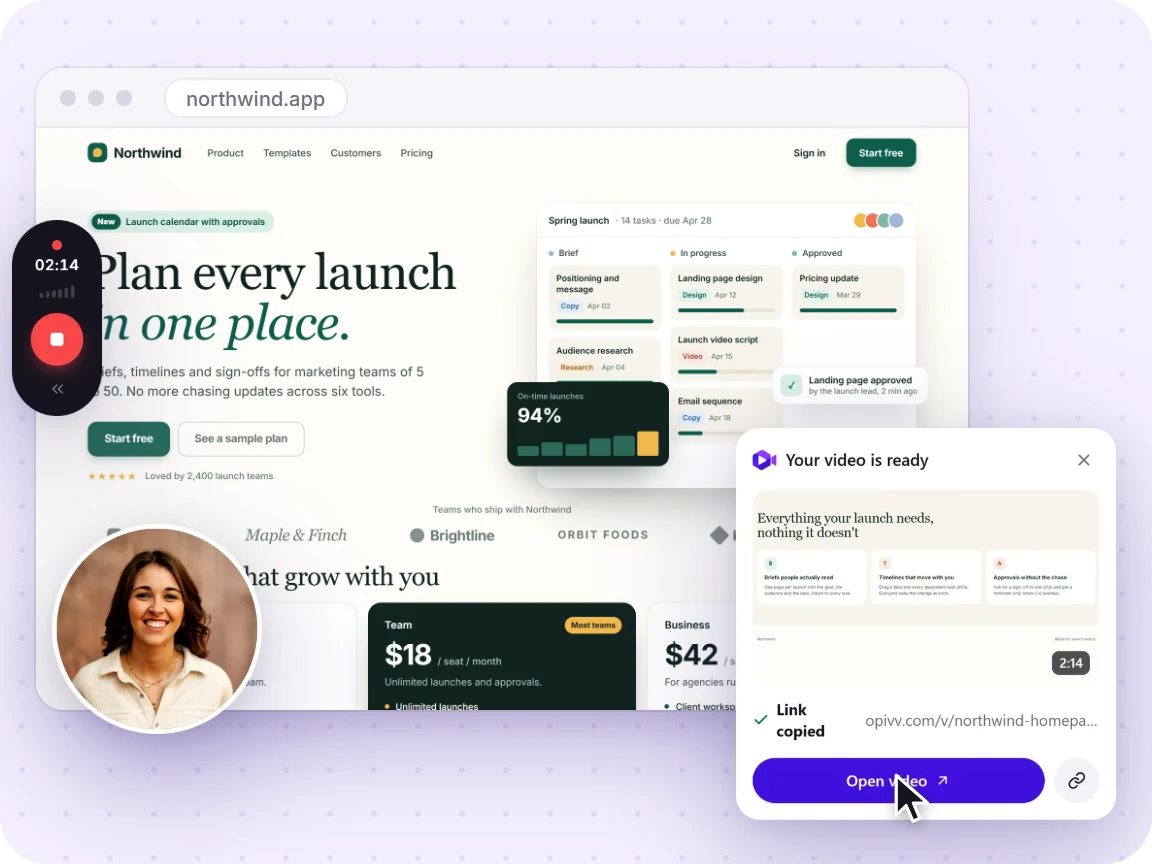
Opivv is a browser extension that records a tab, a window, or your whole screen right inside Microsoft Edge. Add a webcam and mic, stop, and a watch-in-browser link is on your clipboard. No Xbox Game Bar, no desktop app, no download.
- Free forever
- No credit card
- Works on Chrome, Edge, Brave & other Chromium browsers
How it works
Add Opivv to Chrome
One click from the Chrome Web Store. Pin it so the record button sits in your toolbar.
Pick what to record
This tab, a window, your whole screen or just an area. Turn your camera and mic on or off.
Stop and share
The link is copied the second you stop. Paste it into Slack, email or a ticket.
Free vs Pro at a glance
Your recording is never watermarked into the video. Free share pages carry a small 'Made with Opivv' badge that Pro removes.
How to record your screen in Edge
Opivv lives on the Chrome Web Store, and Microsoft Edge reads that store natively. Open the Opivv store page in Edge, and if Edge asks, allow extensions from other stores, then click the Add button (Edge relabels it "Add to Edge"). Pin the icon to your toolbar so it is one click away.
Click the Opivv icon, choose a tab, a window, or your whole screen, toggle your camera and mic, and hit record. When you stop, the clip auto-uploads and the share link is copied for you. Everything works the same in Edge as it does in Chrome, Brave, Opera, Arc, or Vivaldi.
Read the full step-by-step guide →Opivv vs the Xbox Game Bar
Windows ships with the Xbox Game Bar (press Win+G), which can record your screen for free. It was built for capturing games, so it is awkward with individual app windows, it saves a local MP4 you then have to find and upload somewhere, and it has no transcripts, chapters, or share links.
Opivv records any tab or window and hands you a watch-in-browser link the moment you stop, plus a private cloud library, chapters, and AI transcripts on Pro. You do not need the Game Bar, a separate app, or any download. Just the Edge extension.
Frequently asked
Edge does not have a built-in screen recorder. On Windows you can use the Xbox Game Bar (Win+G), but it saves a local file with no share link and is clunky for app windows. Adding Opivv to Edge gives you one-click recording plus an instant, watch-in-browser link.
Record your screen in Edge in about a minute
Add Opivv to Microsoft Edge, hit record, and share a link the moment you stop. Free forever for everyday clips.