

Why agencies use async video
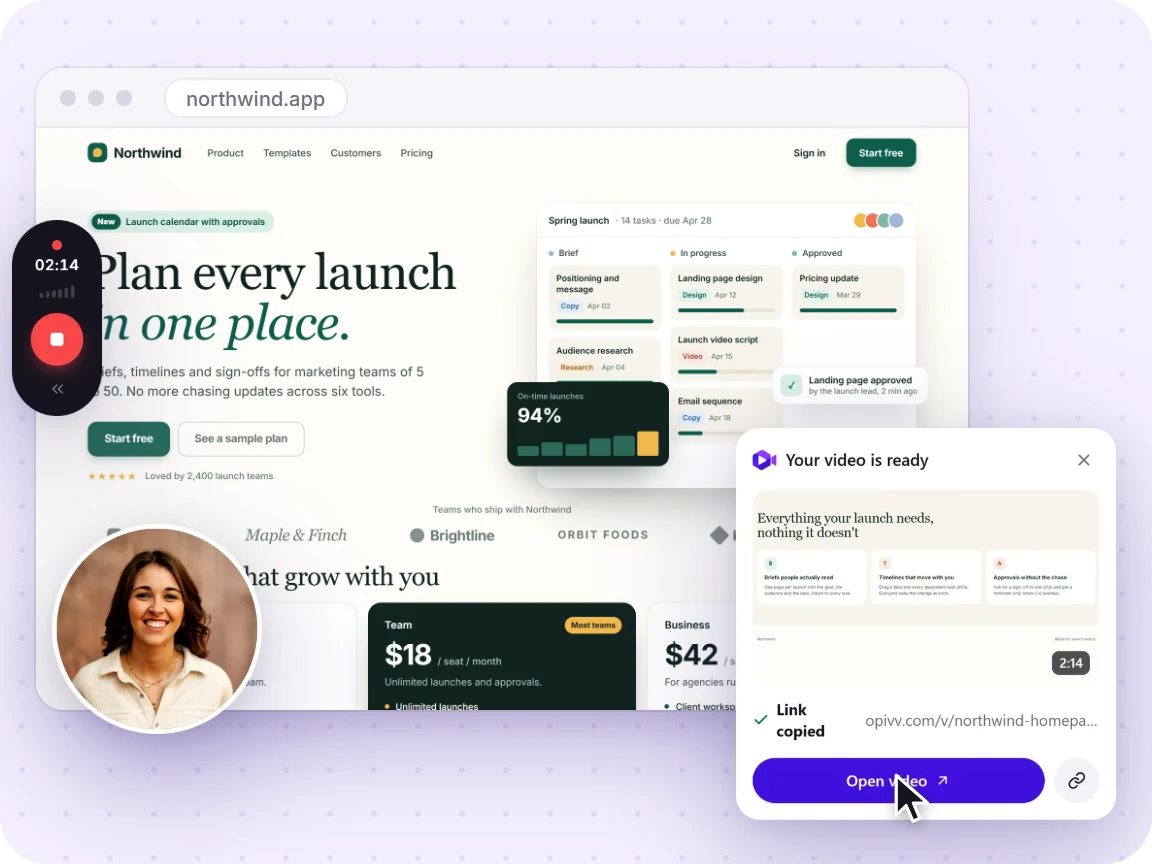
Half of client communication is showing, not telling: a design review, a bug you spotted, a weekly progress update. A two-minute screen recording replaces the long email and the scheduled call: the client watches whenever they want, replays the bits that matter, and forwards it to the stakeholder who actually signs off. You look responsive and professional, and you get hours back every week.
Make every share look like you
- Your logo and brand colour on the player and share page (Pro).
- Your own domain for share links, e.g. share.youragency.com (Team).
- No Opivv badge: the clip is unmistakably yours.
- A custom end-screen CTA pointing to your booking page or portfolio.
- Password & expiry on anything confidential, so client work stays controlled.
Give each client their own review space
On Team you can invite a client or external stakeholder to review a single folder as a guest. They see only that folder’s clips, never the rest of your workspace, and can leave timestamped comments if you allow it. Guests don’t use a paid seat, so client review is free: give every account its own space without watching your seat count climb.
And feedback goes both ways. On any share page a client can reply to a comment with their own screen or camera recording, so a change request turns into a quick video back-and-forth instead of another meeting to schedule.
Show the work - and capture leads
Put an email gate in front of a proposal or pitch video and every prospect who watches becomes a lead. Per-clip analytics tell you who opened it and how far they watched, so you know a deliverable landed, and you follow up with the prospects who actually engaged.
How agencies use Opivv
- Record the walkthrough (screen, camera & mic) in a couple of minutes.
- Send the link. It’s on your brand and domain, and copied the moment you stop.
- See who watched and follow up on the warm ones first.
New to recording? See how to record your screen in Chrome or add a facecam with screen + camera & mic. Weighing tools? Here’s Opivv vs Loom and the full plan breakdown.
Frequently asked
Can I put my own logo and brand on shared videos?
Yes. On Pro you set your logo, brand colour, a custom end-screen CTA, and remove the Opivv badge, so every share looks like your studio. On Team you can also serve clips from your own domain.
Can I share client videos from my own domain?
Yes. Team lets you point a custom domain (e.g. share.youragency.com) at your share links, so the videos you send clients stay entirely on your brand.
Is this cheaper than Loom for client work?
Pro is $5/month. Loom puts the branding and analytics most agencies want in its $12.50 Business tier. Team adds custom domains at $12/seat. You keep the difference on every retainer.
Can I keep client videos private?
Yes, password-protect or set an expiry on any share, and optionally require an email before viewing so a proposal video also captures a lead.
Can I let a client review their videos without giving them the whole workspace?
Yes. On Team you invite a client as a guest to a single folder: they see only that folder’s clips and nothing else in your workspace, and can comment if you allow it. Guests don’t take a paid seat, so client review is free. Clients can even reply to a walkthrough with their own screen or camera recording.