

Record better videos
Step by step guides for recording, editing and sharing, on any computer.
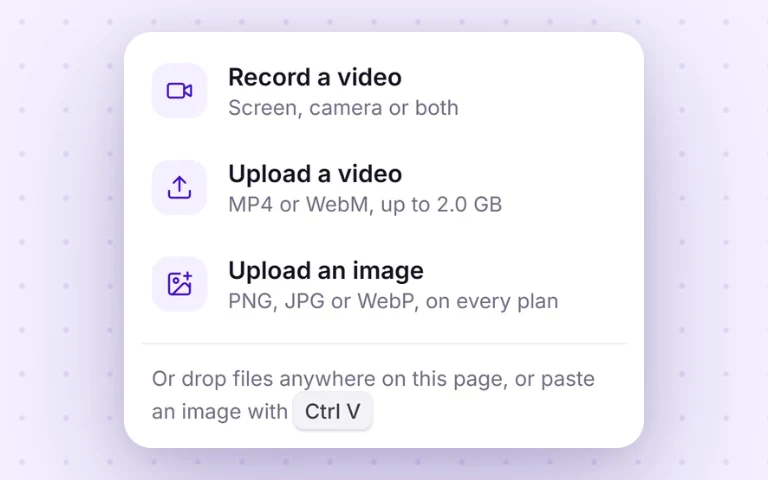 BasicsHow to record your screen in ChromeThe whole workflow in under a minute: tab vs window vs full screen, audio, and instant share links.
 BasicsRecord your screen with camera & micThe Loom-style facecam bubble: setup, backgrounds, permissions, and the gotchas that trip people up.
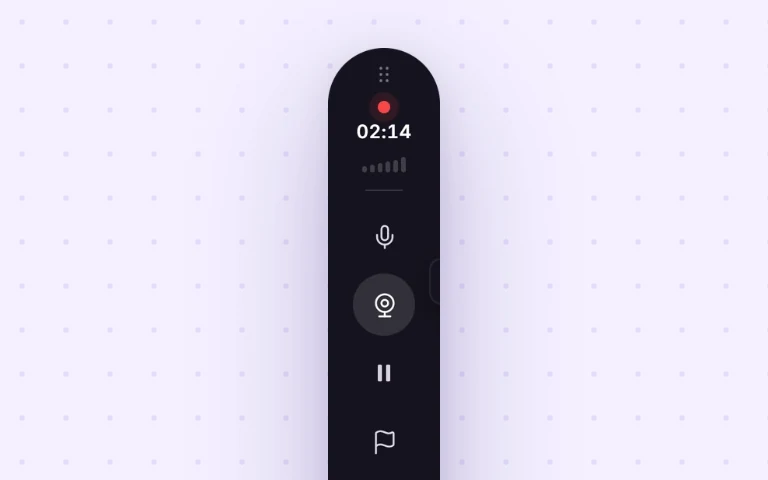 BasicsHow to record your screen with audioMic, system/tab audio, or both, and how to fix the classic “I recorded everything but there’s no sound.”
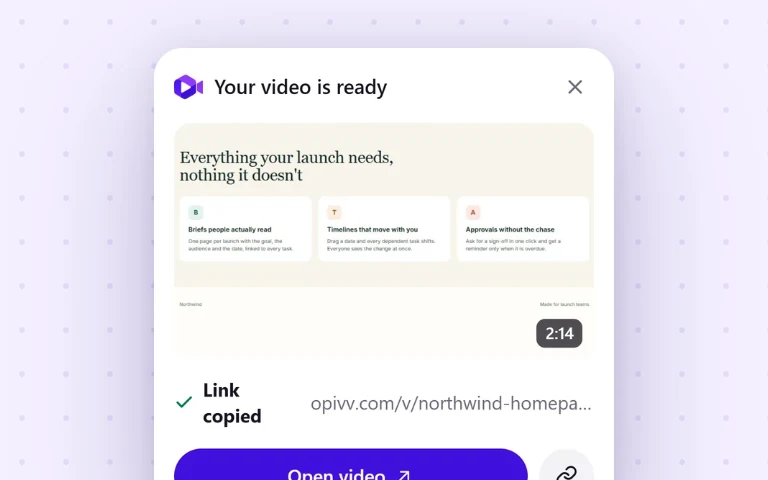 MeetingsHow to record a Google MeetRecord a Meet call free (no host permission, no Workspace upgrade) with the audio captured cleanly.
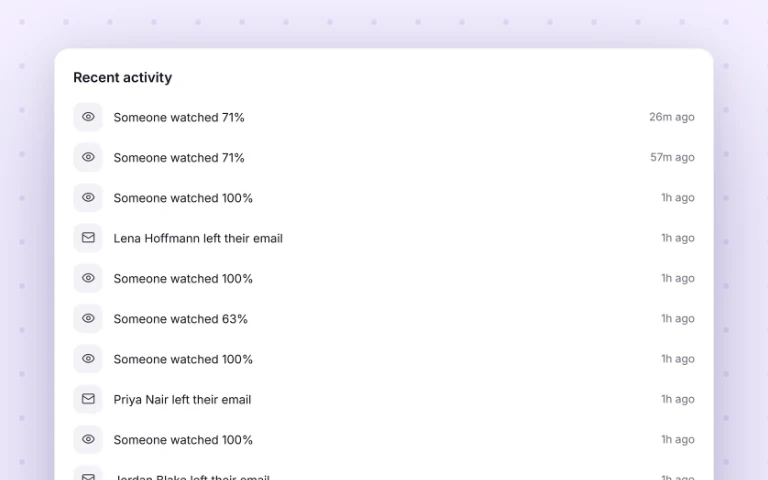 MeetingsHow to record a Zoom meetingRecord a Zoom call as a participant when the Record button is greyed out, browser or desktop app.
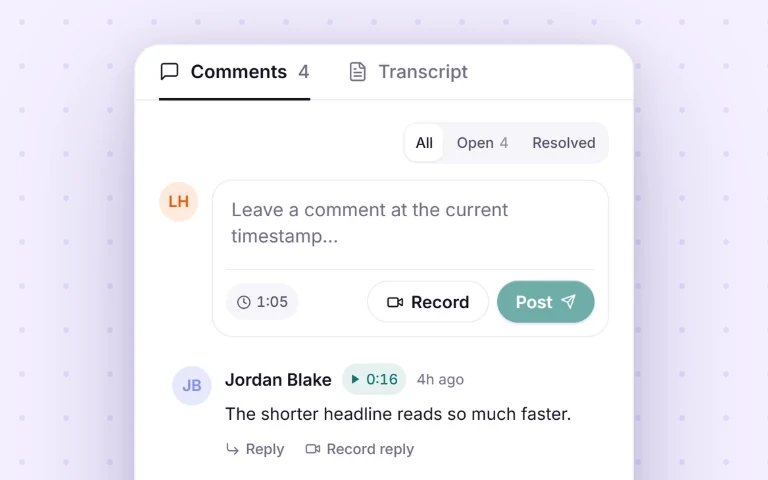 MeetingsHow to record a Microsoft Teams meetingRecord a Teams call as any attendee, with everyone’s audio, even when you are not the organizer.
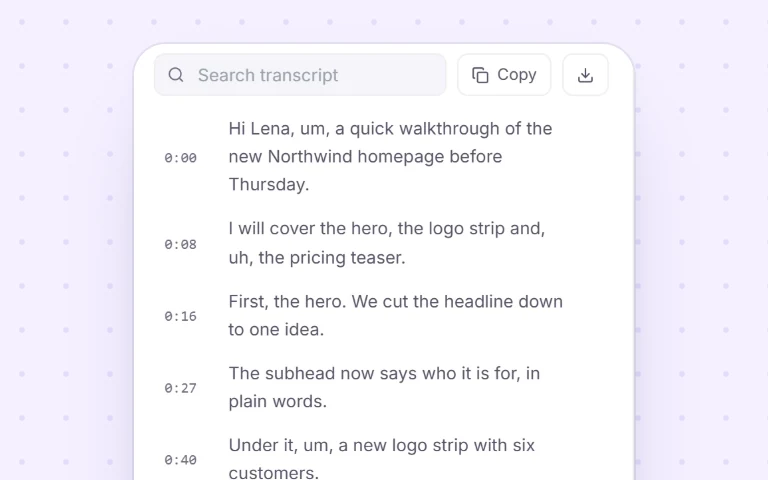 MeetingsHow to record a webinarCapture any webinar you attend, with the presenter’s audio, and keep a link you can rewatch or share.
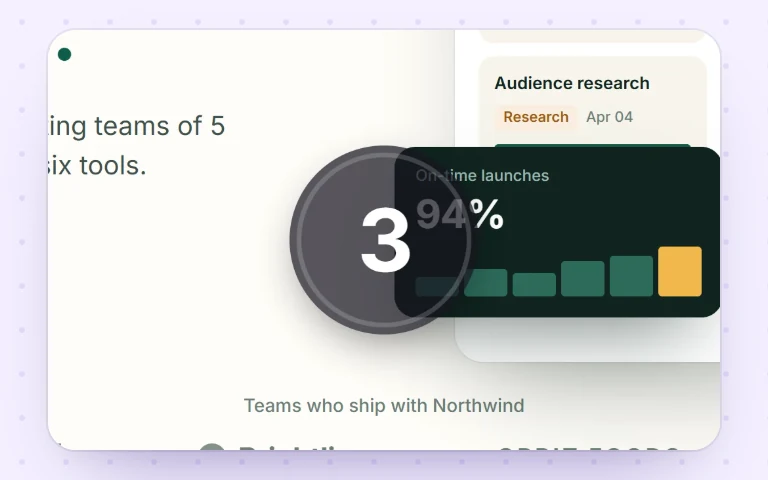 PresentingHow to record yourself presentingNarrate a slide deck with your webcam in the corner and share it as a link people actually watch.
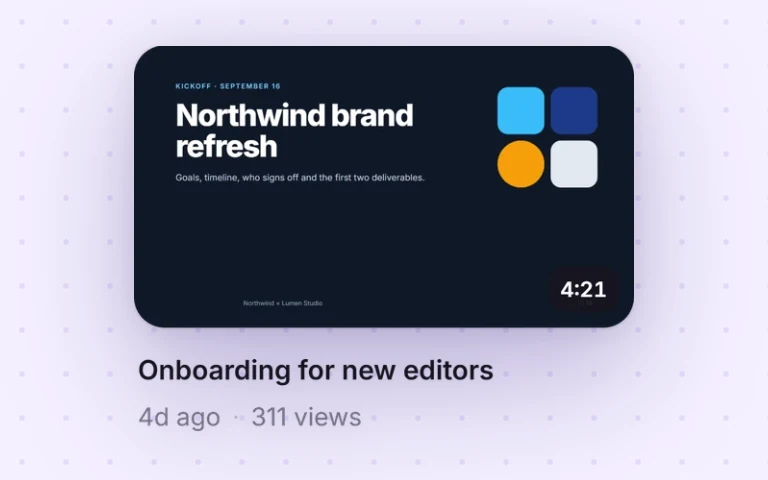 PresentingHow to record a Google Slides presentationTurn a Google Slides deck into a narrated video with your webcam, then share it as a link.
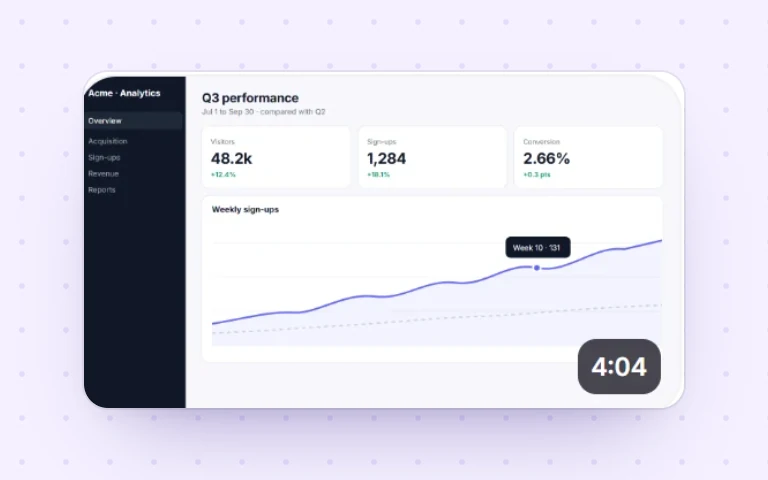 PresentingHow to record a PowerPoint presentationNarrate any deck, including on PowerPoint for the web where the built-in recorder isn’t available.
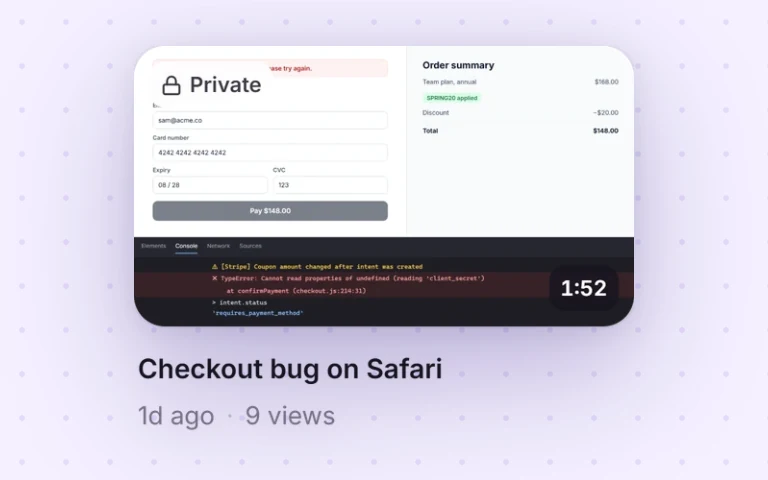 WorkflowsHow to record a bug report videoCapture the repro steps and the browser console in one link developers can actually act on.
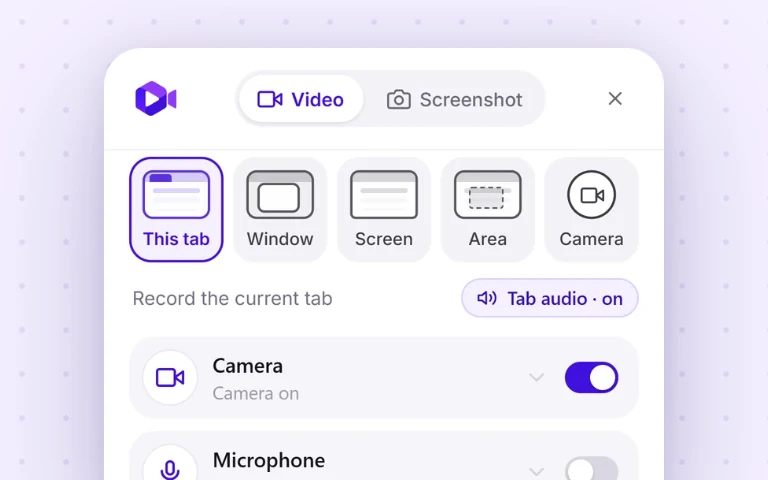 BasicsHow to record a single browser tabCapture just one tab, with its audio and nothing else, the cleanest, most private way to record a web app.
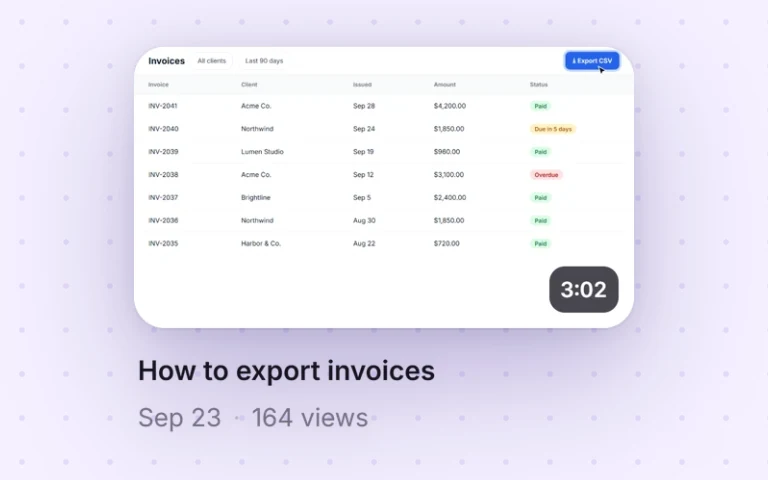 WorkflowsHow to record a training videoTeach one task in a single take, no editing software, and share it as a link your team can rewatch.
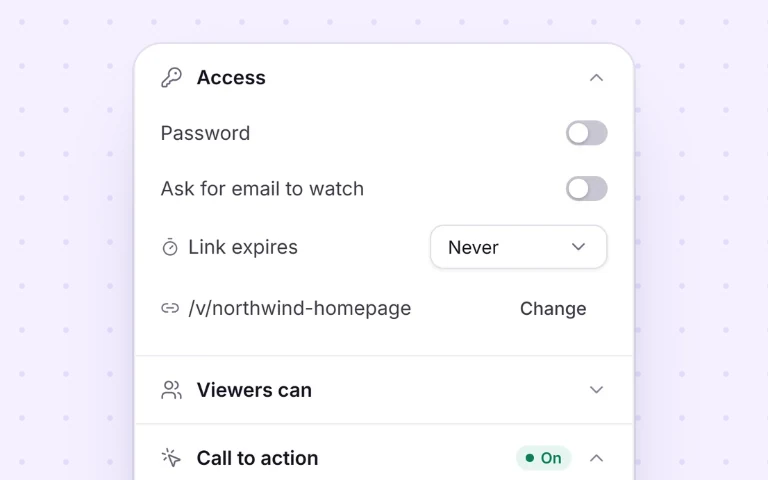 WorkflowsHow to record a demo videoRecord a short product or sales demo that people actually watch, with a clear call to action.
 BasicsHow to record your screen on WindowsThe free, no-Game-Bar way to record any window or your whole desktop on Windows 10 and 11.
 BasicsHow to record your screen on a MacA faster alternative to QuickTime: record on macOS and get a shareable link the moment you stop.
 BasicsHow to screen record on a ChromebookBoth methods: the built-in ChromeOS recorder, and how to get a link instead of a .webm in Downloads.
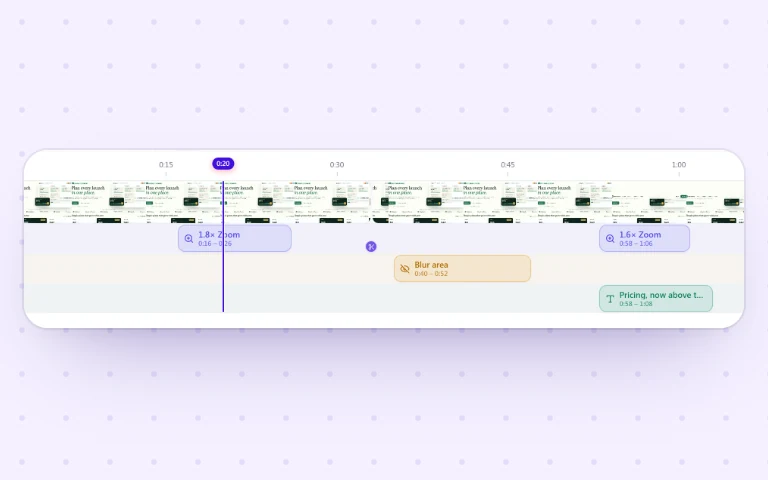 EditingHow to turn a screen recording into a GIFRecord a short clip and export it as a looping GIF for docs, chat, and bug reports. No image editor.
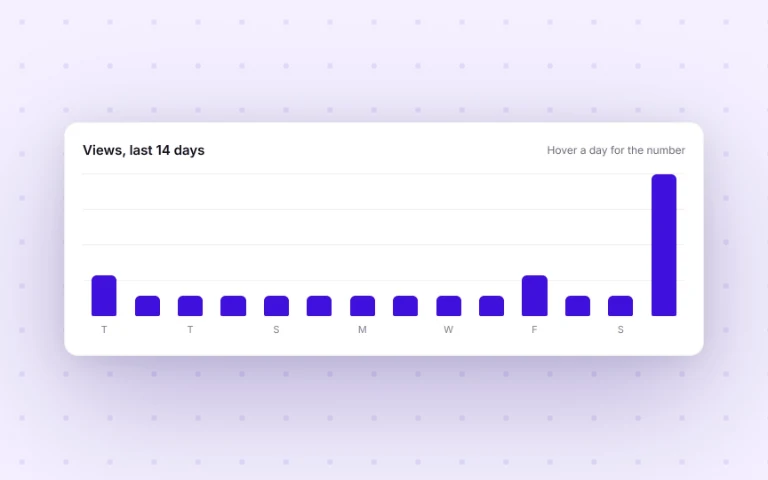
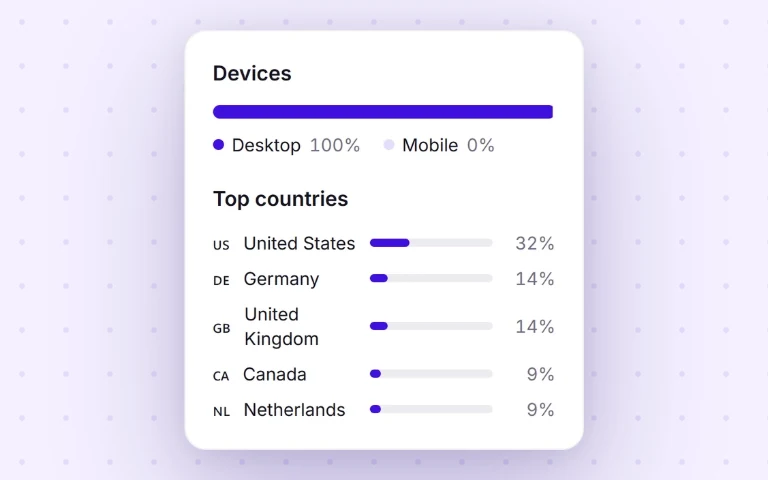
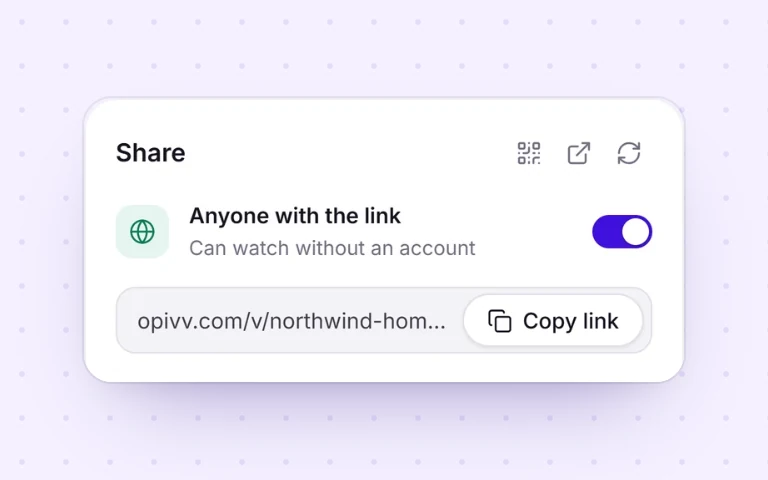 WorkflowsHow to share a screen recordingStop emailing huge files. Share a watch-in-browser link, with password, expiry, and view tracking.
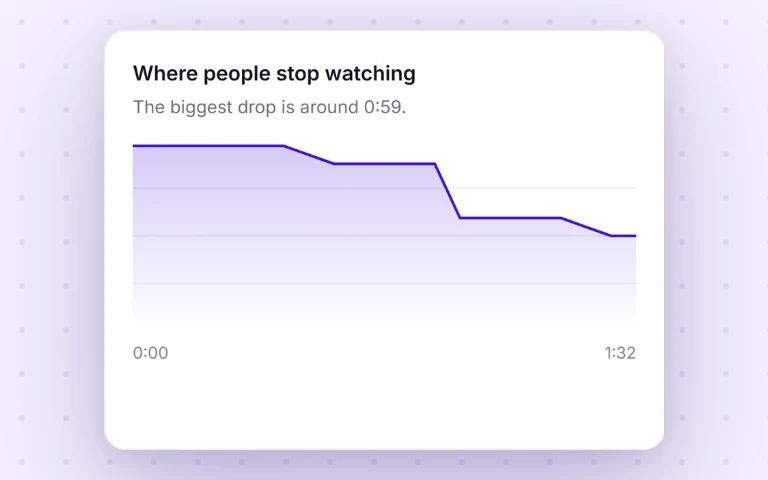 CompareOpivv vs LoomAn honest, feature-by-feature comparison, including where Loom is genuinely the better pick.