

Meetings don’t scale across time zones. Video does.
When your team is spread across continents, the live meeting is the bottleneck. Someone’s always out of hours, and the notes never capture the nuance. A short screen recording carries tone, context, and the actual screen, so a teammate eight hours ahead gets exactly what they’d have gotten live, without the 6 a.m. call.
What teams record
- Daily / weekly updates: replace the standup with a 2-minute clip.
- Design & code reviews: point at the exact thing on screen instead of writing paragraphs.
- Onboarding & how-tos: record once, and every new hire watches the same clear walkthrough.
- Decisions & demos: keep a searchable record of why something shipped.
Keep the discussion async too
Sharing the update is only half of it. The back-and-forth is what usually drags everyone back into a call. On any Opivv share page, teammates leave comments pinned to the exact second, and can reply with their own screen or camera recording instead of typing a wall of text. The thread lives right under the clip, so the conversation stays with the context it’s about, and you mark it resolved once it’s settled, so a decision doesn’t need a meeting to close.
How it works
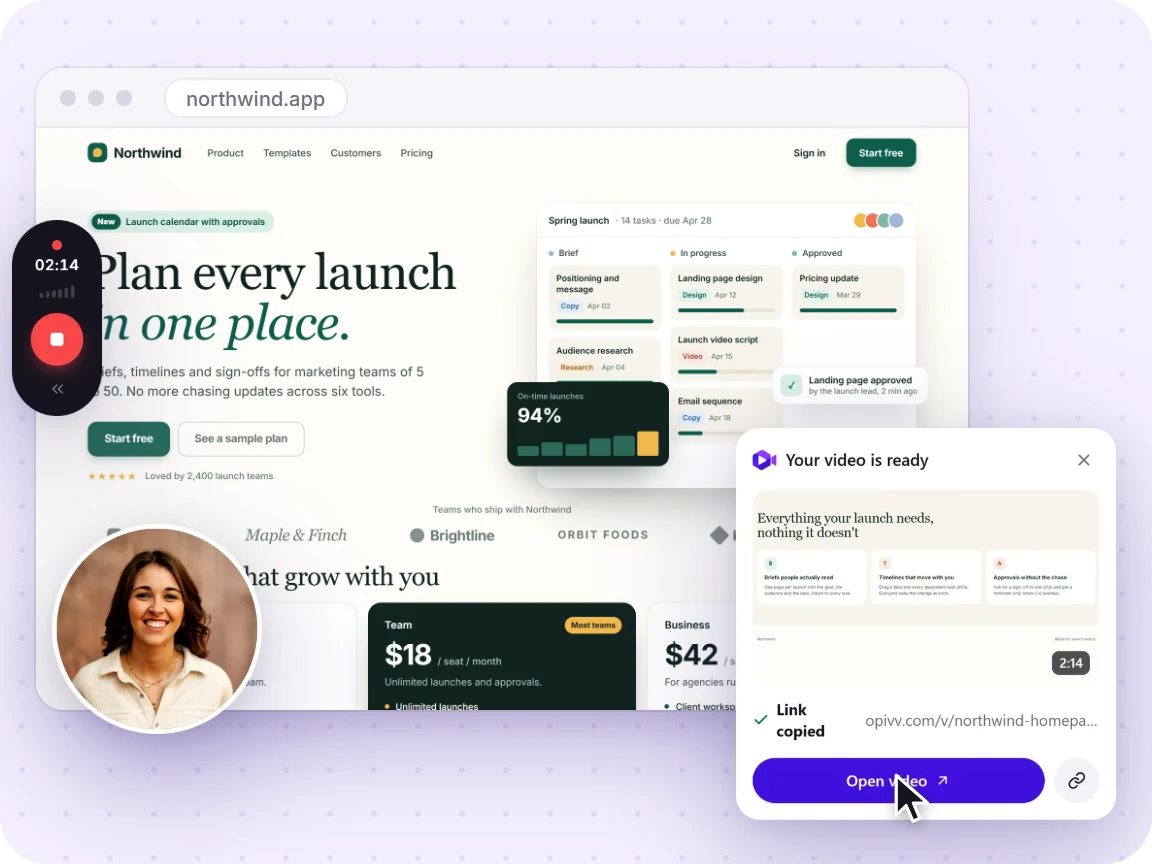
- Record your screen (and facecam, if you like) right in Chrome.
- Share the link in Slack, your docs, or a team space (it’s copied automatically).
- Watch async. Teammates play it back when their day starts; views tell you it landed.
New to recording? See how to record your screen in Chrome, or add a webcam with screen + camera & mic.
Frequently asked
How does async video reduce meetings?
Status updates, demos, and walkthroughs don’t need everyone live at once. Record it once, share the link, and the team watches on their own time, replacing recurring syncs with a 2-minute clip.
Do teammates need an account to watch?
No. Anyone with the link watches in their browser. For your own team, Opivv also has shared spaces so updates live in one searchable place.
Can we keep recordings private to the company?
Yes. Clips are private by default; you choose what to share. Pro adds password protection and link expiry for sensitive material.