

The free screen recorder for Mac that skips the file wrangling
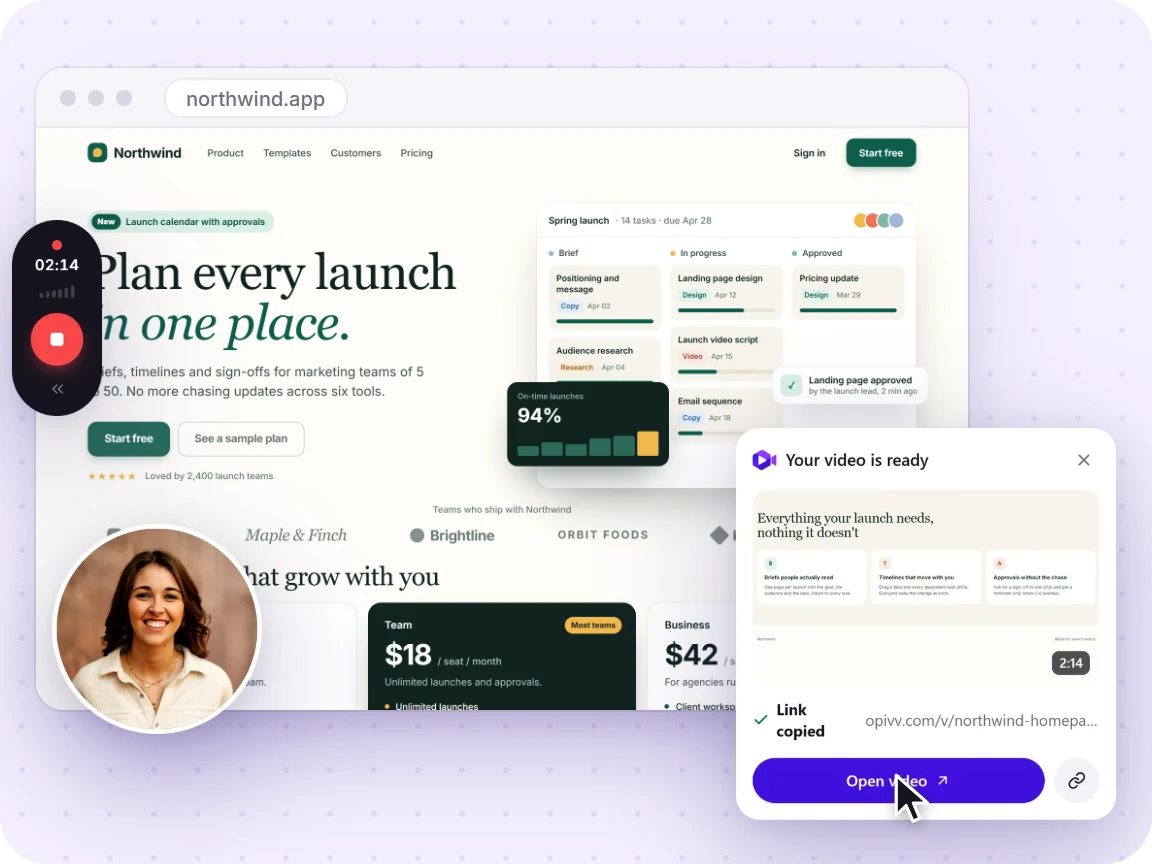
Record your screen, a window, or a tab on your Mac, add your mic and webcam, and get a shareable link the moment you stop. A faster path than QuickTime for recordings you actually need to send.
- Free forever
- No credit card
- Works on Chrome, Edge, Brave & other Chromium browsers
How it works
Add Opivv to Chrome
One click from the Chrome Web Store. Pin it so the record button sits in your toolbar.
Pick what to record
This tab, a window, your whole screen or just an area. Turn your camera and mic on or off.
Stop and share
The link is copied the second you stop. Paste it into Slack, email or a ticket.
Free vs Pro at a glance
Your recording is never watermarked into the video. On the free plan, share pages carry a small removable 'Made with Opivv' badge; Pro removes it.
QuickTime records, but sharing is the slow part
Shift plus Command plus 5 and QuickTime are great at capturing pixels. The pain starts after you stop: you have a local .mov, often a large one, and getting it to someone means uploading it to Drive or a file service, waiting, and pasting a link. That is a lot of steps for a two-minute clip.
Opivv collapses that into one step. The moment you stop, the recording is already a link with a clean in-browser player. You paste it and you are done, and there is nothing to compress or upload.
See the full step-by-step →The one macOS permission to know about
macOS gates screen recording per app, so the first time you record, you will grant your browser access under System Settings, Privacy & Security, Screen Recording. You only do this once. After that, recording is one click or the Alt+Shift+R shortcut, with your mic and webcam optional toggles in the setup overlay.
Frequently asked
Install the Opivv extension in Chrome, Edge, or Brave, grant screen-recording permission to your browser once, then click the icon or press Alt+Shift+R, choose your screen or a window, and record. When you stop, you get a shareable link automatically.
Start recording in about a minute
Add Opivv to your browser, hit record, and share a link the moment you stop. Free forever for everyday clips.