

The free screen recorder for Windows that gives you a link, not a file
Record any window or your whole screen on Windows, add your mic and webcam, and share a watch-in-browser link the moment you stop. No Xbox Game Bar limits, no local file to upload afterward.
- Free forever
- No credit card
- Works on Chrome, Edge, Brave & other Chromium browsers
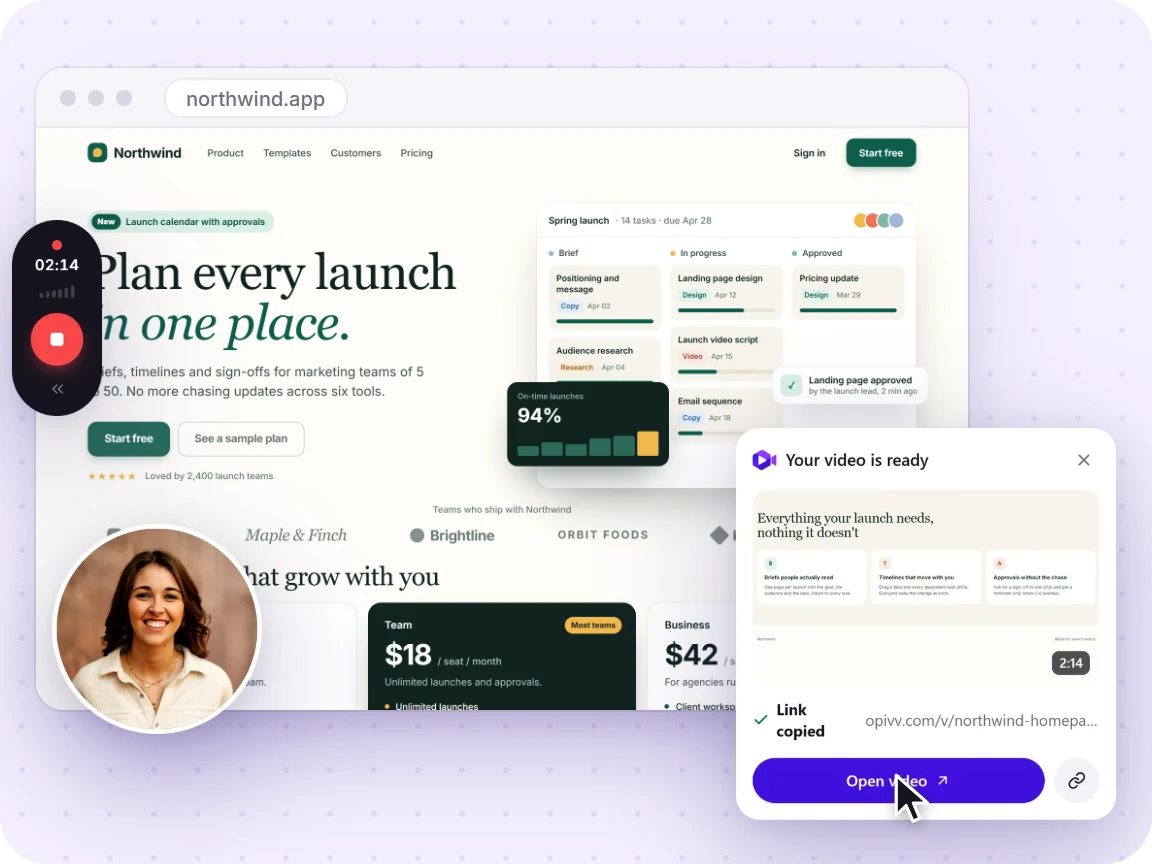
How it works
Add Opivv to Chrome
One click from the Chrome Web Store. Pin it so the record button sits in your toolbar.
Pick what to record
This tab, a window, your whole screen or just an area. Turn your camera and mic on or off.
Stop and share
The link is copied the second you stop. Paste it into Slack, email or a ticket.
Free vs Pro at a glance
Your recording is never watermarked into the video. On the free plan, share pages carry a small removable 'Made with Opivv' badge; Pro removes it.
Windows has a recorder, so why use this
The Xbox Game Bar (Windows key plus G) was built for capturing games. It will not record the desktop or File Explorer, it only grabs the one app that had focus when you started, and it saves a local file with no easy way to share it. For a quick clip you actually need to send someone, that is a lot of friction.
A browser recorder skips all of it. Opivv records any window or your whole screen, including the desktop, and hands you a link the moment you stop. That is the difference between recording something and getting it to a teammate.
See the full step-by-step →Record with sound the right way
There are two separate, optional audio sources. Your microphone records your voice for narration. System audio records whatever your apps and tabs are playing. For a narrated walkthrough over a quiet app, mic on and system audio off is the cleanest mix. Both toggle in the setup overlay before you start.
Frequently asked
Install the Opivv extension in Chrome or Edge, click the icon or press Alt+Shift+R, choose a window or your whole screen, turn on your mic, and record. When you stop, you get a shareable link automatically. It works the same on Windows 10 and 11.
Start recording in about a minute
Add Opivv to your browser, hit record, and share a link the moment you stop. Free forever for everyday clips.