

A screen recorder with no watermark on your video
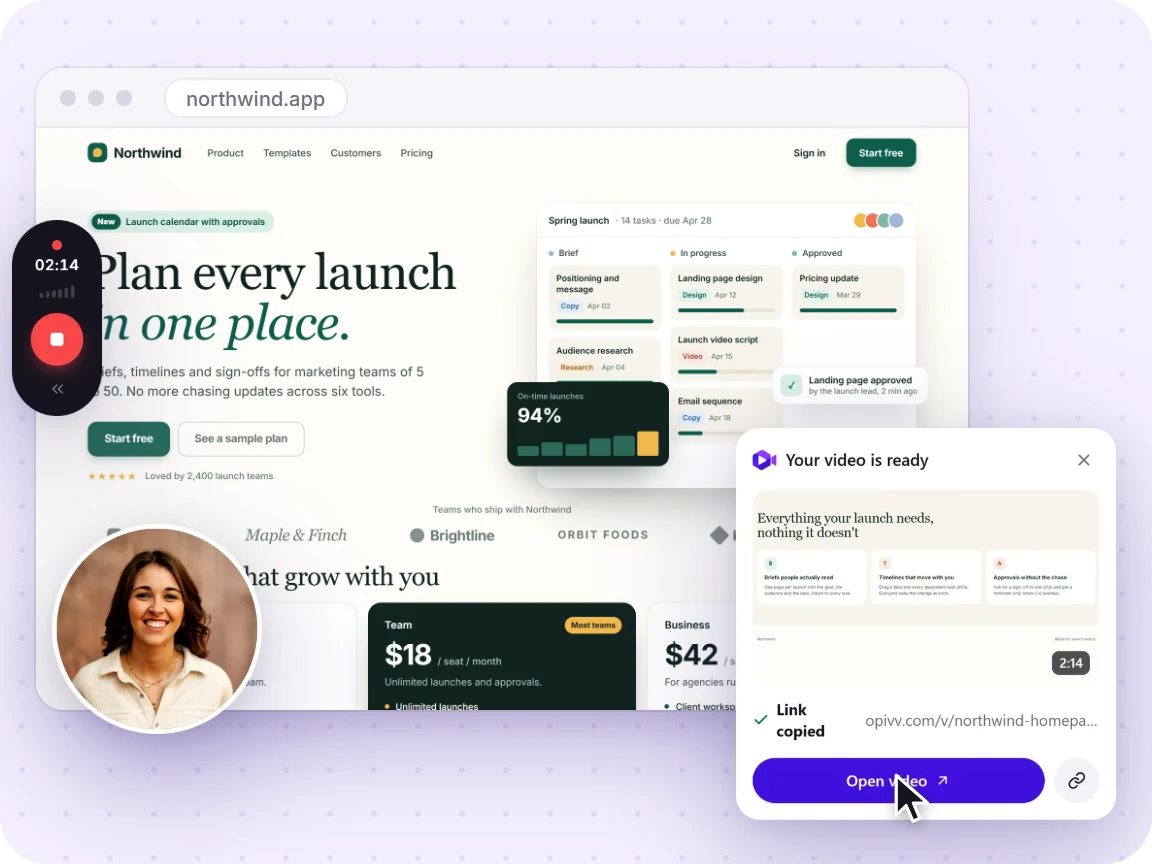
Opivv never burns a logo into your recording, not even on the free plan. Record clean video in your browser, share a watch-in-browser link, and the only branding is a small 'Made with Opivv' badge on free share pages that Pro removes.
- Free forever, no credit card
- Your recorded video is never watermarked
How it works
Add Opivv to Chrome
One click from the Chrome Web Store. Pin it so the record button sits in your toolbar.
Pick what to record
This tab, a window, your whole screen or just an area. Turn your camera and mic on or off.
Stop and share
The link is copied the second you stop. Paste it into Slack, email or a ticket.
What is (and is not) watermarked
Your recording is never watermarked on any plan. The only branding is the share-page badge, and Pro removes it.
A burned-in watermark vs a share-page badge
There are two very different things people call a watermark. The first is a logo or bar written into the video pixels, so it shows up in the file itself and in every copy of it, forever. Opivv never does this. Your recording comes out clean on every plan, including Free.
The second is branding on the page where a video is shared. On Opivv's free plan, the public share page and embeds carry a small 'Made with Opivv' badge on the player. It lives on the page, not inside your video, and Pro ($5/mo) removes it so your links are fully unbranded. So Free is honest about a light touch of branding on shared links, while the video you recorded stays unmarked.
Why some free recorders watermark your footage
Many free screen recorders stamp a logo straight into your footage. Screencastify burns a watermark into free videos, and Vidyard marks free videos as well. Once it is in the pixels, you cannot take it out without re-recording or re-editing. That is the trade a lot of free tiers make.
Opivv takes a different one: keep the recording clean for everyone, and only put a small removable badge on free share pages. Competitor limits change often, so check each vendor's site for current terms.
How to get fully unbranded links
If you want links with zero Opivv branding, upgrade to Pro. Pro removes the share-page badge, cleans up embeds, and adds custom branding so you can put your own logo, accent colour, and a custom end-screen CTA on your links. You can also password-protect links, set custom slugs and expiry, and download clips as MP4, WebM, or GIF.
See what Pro includes →Frequently asked
No. Opivv never burns a watermark into your recording, on Free or Pro. The video file you record and share stays clean. The only branding on the free plan is a small 'Made with Opivv' badge shown on the public share page and embeds, which sits on the player and not inside the video. Pro removes that badge.
Record clean video, share a clean link
Add Opivv to your browser and start recording free. No watermark in your video, ever, and no credit card to get going.