

A screen recorder for Brave that installs in one click
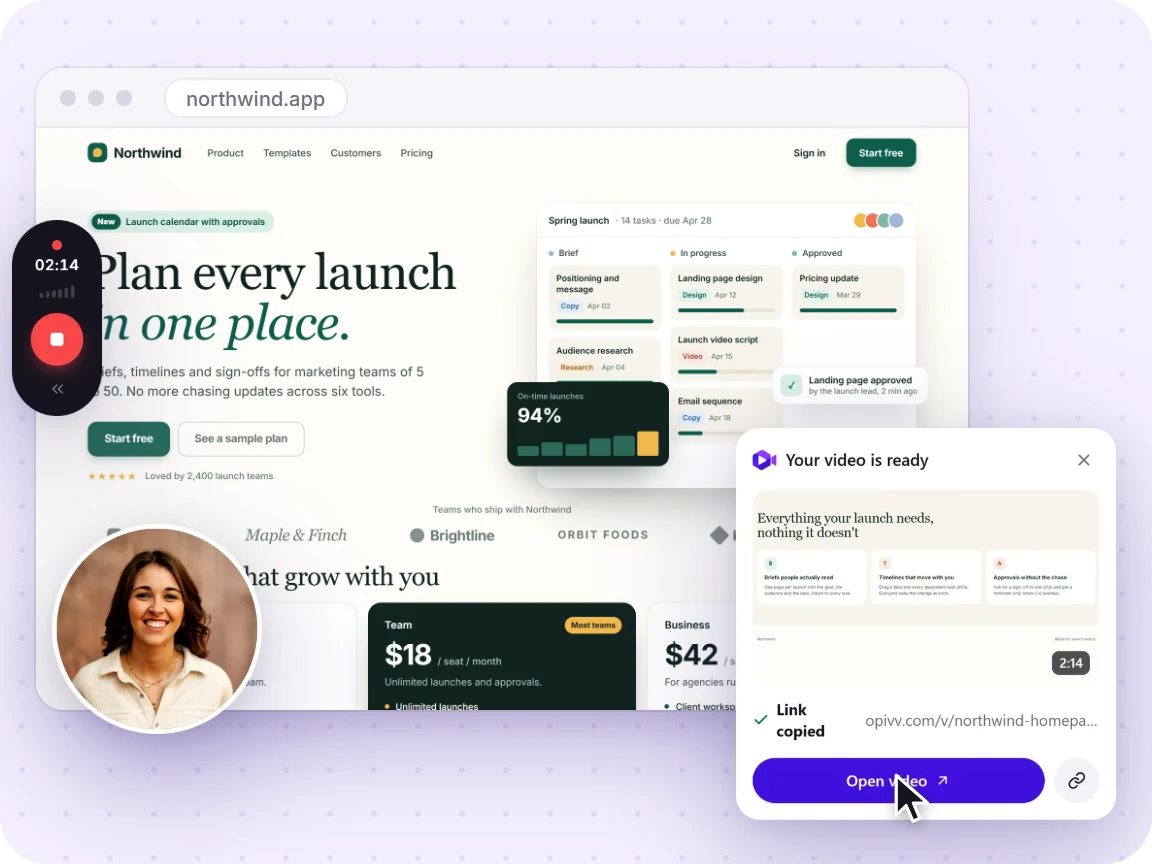
Brave is built on Chromium, so the Opivv extension runs in it just like in Chrome. Record a tab, a window, or your whole screen with your webcam and mic, then share a watch-in-browser link the moment you stop.
- Free forever
- No credit card
- Works on Chrome, Edge, Brave & other Chromium browsers
How it works
Add Opivv to Chrome
One click from the Chrome Web Store. Pin it so the record button sits in your toolbar.
Pick what to record
This tab, a window, your whole screen or just an area. Turn your camera and mic on or off.
Stop and share
The link is copied the second you stop. Paste it into Slack, email or a ticket.
Why a Chrome extension works in Brave
Brave is built on Chromium, the same open-source engine behind Chrome and Edge. That means it runs Chrome extensions natively, so Opivv installs and behaves exactly as it does in Chrome. If you have ever added an extension to Brave, this is the same flow: open the Chrome Web Store in Brave, add Opivv, and it appears in your toolbar.
The one thing worth knowing: like any screen recorder, Opivv needs permission to capture your screen and, if you use them, your camera and microphone. Brave asks once and remembers your choice.
See the full recording workflow →Frequently asked
Yes. Brave is a Chromium browser, so it runs Chrome extensions. You install Opivv from the Chrome Web Store while using Brave, and it works exactly as it does in Chrome: record a tab, window, or screen and get a share link.
Start recording in about a minute
Add Opivv to your browser, hit record, and share a link the moment you stop. Free forever for everyday clips.