

A screen recorder for teachers that just sends a link
Record a lesson, mark up a student’s work, or answer the question you get every year, then paste one link into Classroom. It runs on school Chromebooks, students need no account, and your video is never watermarked.
- Free forever
- No credit card
- Works on Chrome, Edge, Brave & other Chromium browsers
How it works
Add Opivv to Chrome
One click from the Chrome Web Store. Pin it so the record button sits in your toolbar.
Pick what to record
This tab, a window, your whole screen or just an area. Turn your camera and mic on or off.
Stop and share
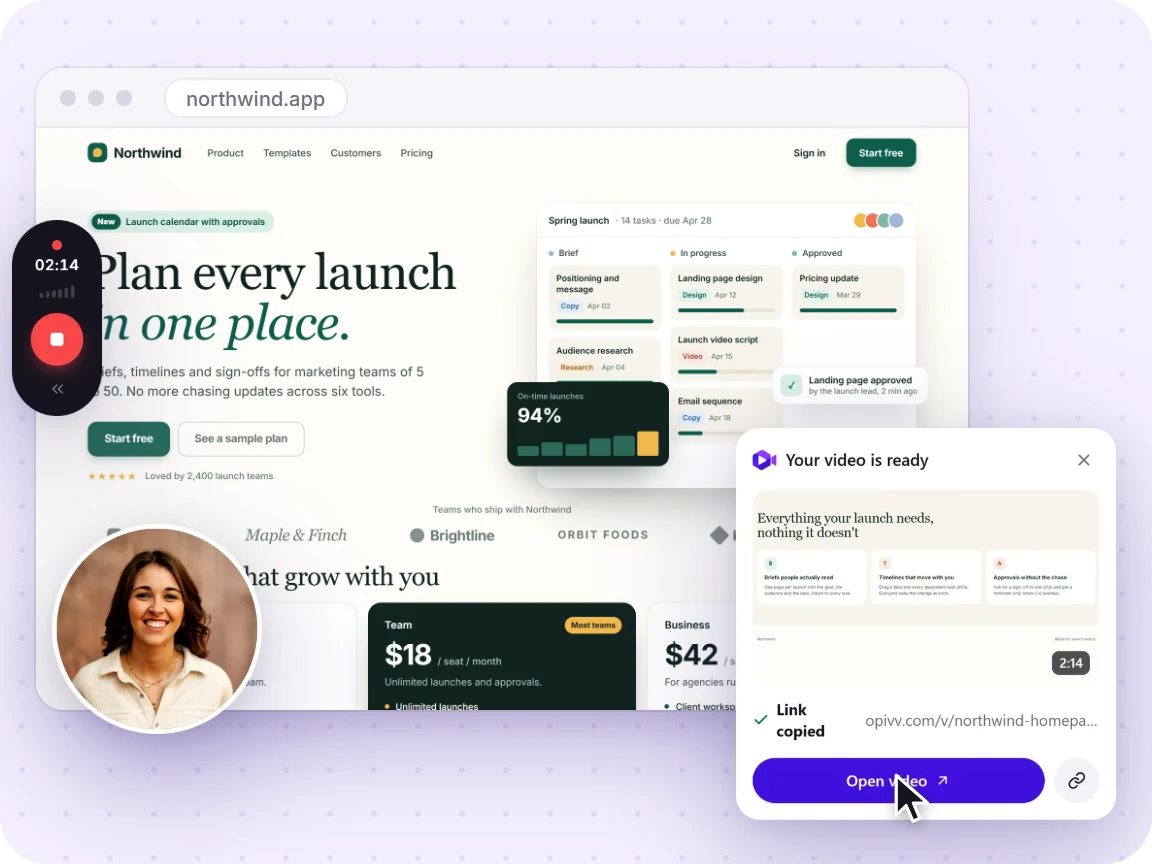
The link is copied the second you stop. Paste it into Slack, email or a ticket.
Free vs Pro at a glance
Your recording is never watermarked into the video. On the free plan, share pages carry a small removable 'Made with Opivv' badge; Pro removes it.
Made for the way teaching actually works
Most classroom recording is not a production. It is “here is how to do question 4”, “here is the feedback on your draft”, or “here is the lesson for anyone who was out today”. Those need to be quick to make and effortless to open, which means one link rather than a file in Drive with permissions to fix.
Because Opivv uploads as you stop, the link is on your clipboard before you have switched back to Google Classroom.
Switching from Screencastify?
Screencastify’s free plan now caps you at 10 videos and 10-minute clips and watermarks them, and upgrading only removes the watermark from new recordings. If you relied on its in-video quizzes and polls, that is genuinely purpose-built and worth keeping. If you mostly recorded lessons and sent them out, Opivv covers that with clean video, no video cap, and AI transcripts at $5/month.
Compare Screencastify alternatives →Frequently asked
Yes. Opivv is free forever for clips up to 5 minutes at 720p with unlimited share links and no credit card, which covers most classroom explanations and feedback. Pro ($5/month) raises the limit to 2 hours and adds AI transcripts.
Start recording in about a minute
Add Opivv to your browser, hit record, and share a link the moment you stop. Free forever for everyday clips.