

A screen recorder for Opera and Opera GX
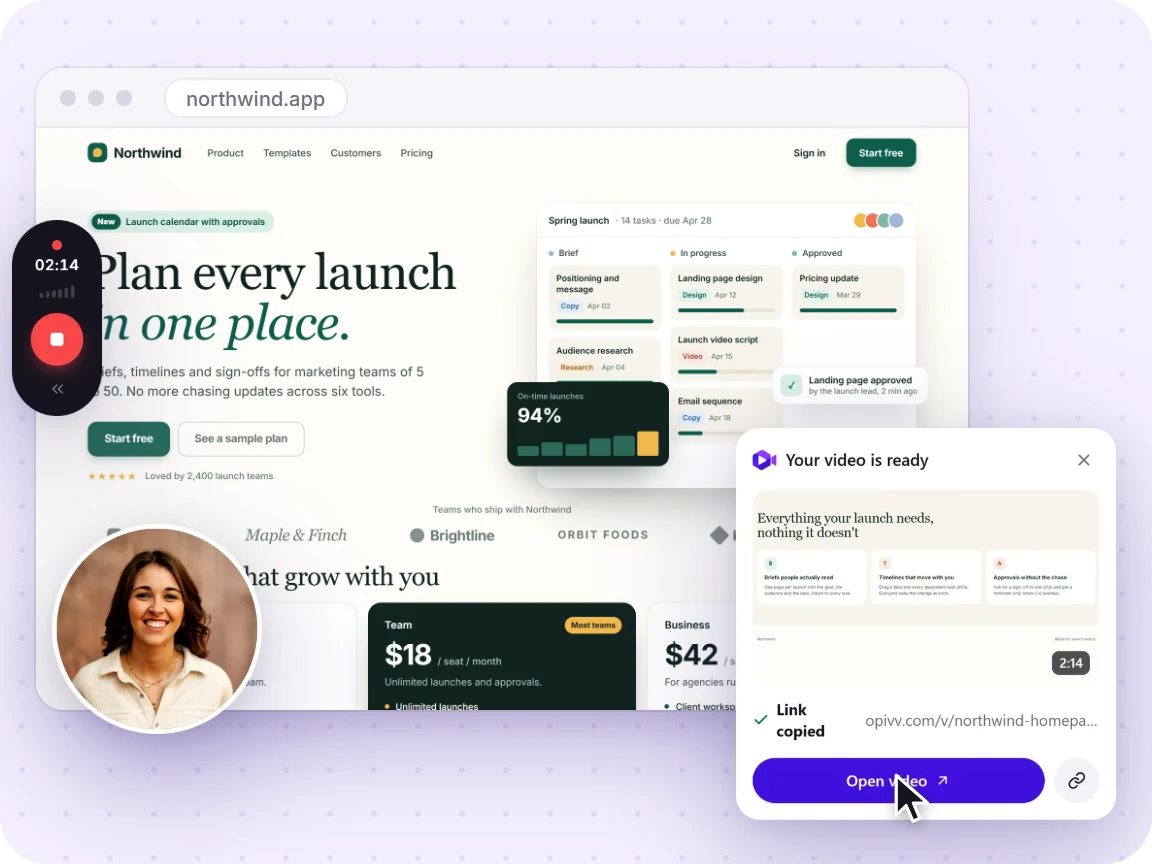
Opera and Opera GX are built on Chromium, so the Opivv extension runs in them just like in Chrome. Record a tab, a window, or your whole screen with your webcam and mic, then share a watch-in-browser link the moment you stop.
- Free forever
- No credit card
- Works on Chrome, Edge, Brave & other Chromium browsers
How it works
Add Opivv to Chrome
One click from the Chrome Web Store. Pin it so the record button sits in your toolbar.
Pick what to record
This tab, a window, your whole screen or just an area. Turn your camera and mic on or off.
Stop and share
The link is copied the second you stop. Paste it into Slack, email or a ticket.
Free vs Pro in Opera
Your recording is never watermarked into the video. On the free plan, the public share page and embeds carry a small 'Made with Opivv' badge on the player; Pro removes it for fully unbranded links.
Why a Chrome extension works in Opera
Opera and Opera GX are built on Chromium, the same open-source engine behind Chrome, Edge, and Brave. That means they run Chrome extensions, so Opivv installs and behaves exactly as it does in Chrome. Opera keeps its own add-ons gallery as well, so the first time you visit the Chrome Web Store you may see a prompt to enable installing extensions from it. Allow that once and the usual Add to browser button works.
The one other thing worth knowing: like any screen recorder, Opivv needs permission to capture your screen and, if you use them, your camera and microphone. Opera asks once and remembers your choice.
See the full recording workflow →Recording in the browser instead of installing an app
Most screen recorders are desktop apps: you download an installer, give it system permissions, record to a file, then upload that file somewhere before anyone can watch it. Opivv lives in the Opera toolbar instead. You click record, choose a tab, window, or your screen, and stop when you are done.
On stopping, the clip uploads to your private library and a share link lands on your clipboard. The person you send it to just opens the link in whatever browser they use, including Firefox and Safari, with no account and nothing to install. Only the recorder needs a Chromium browser.
Record without a download →Frequently asked
Yes. Opera is a Chromium browser, so it runs Chrome extensions. You install Opivv from the Chrome Web Store while using Opera, and it works exactly as it does in Chrome: record a tab, window, or screen and get a share link.
Start recording in about a minute
Add Opivv to your browser, hit record, and share a link the moment you stop. Free forever for everyday clips.