

Async video messages that replace the meeting
Record a two-minute update, a walkthrough or a question with your screen and your face, send the link, and let people watch when it suits them. Replies land on the exact second they are about, so the conversation stays on the point.
- Free forever
- No credit card
- Works on Chrome, Edge, Brave & other Chromium browsers
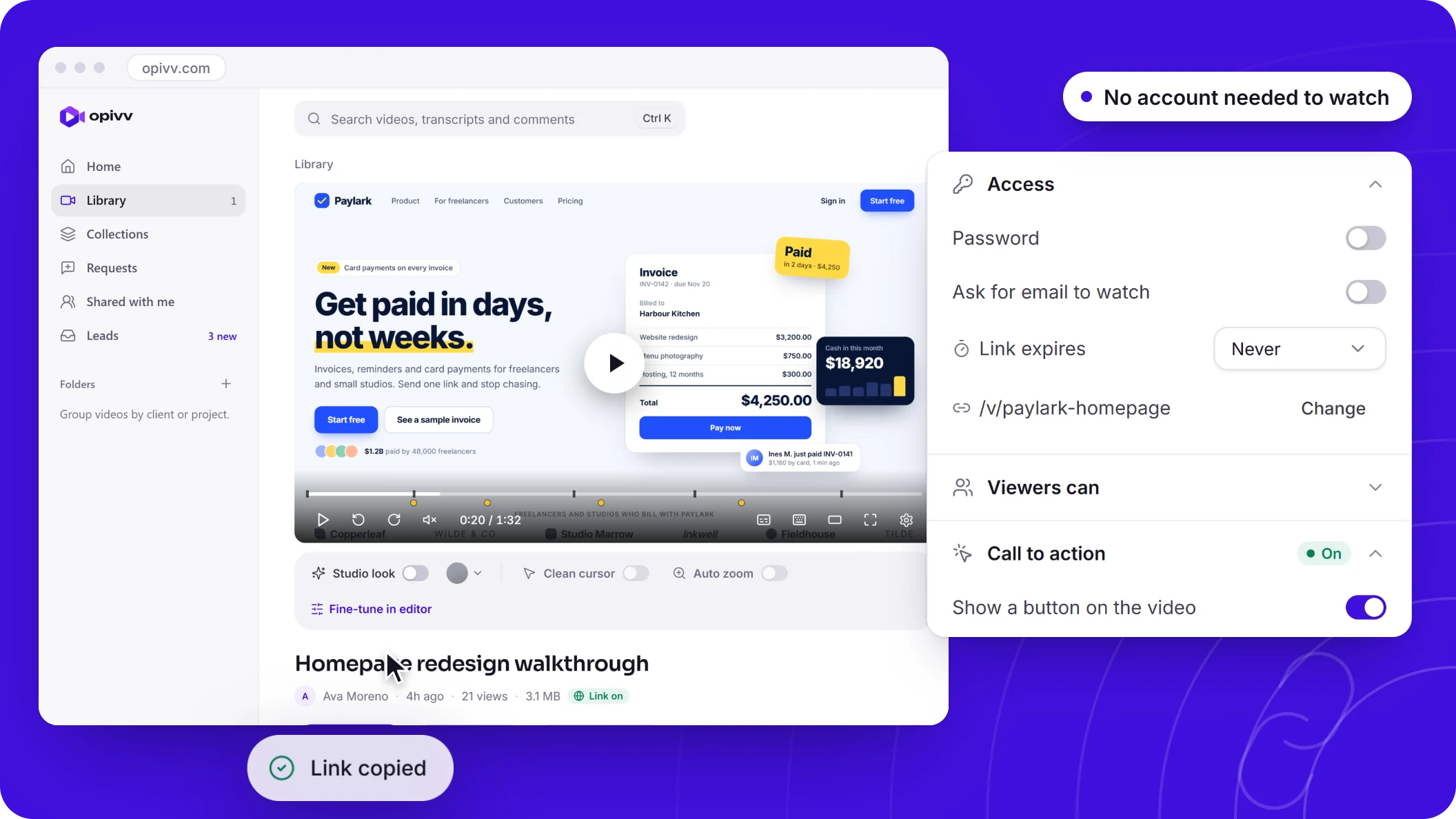
How it works
Add Opivv to Chrome
One click from the Chrome Web Store. Pin it so the record button sits in your toolbar.
Pick what to record
This tab, a window, your whole screen or just an area. Turn your camera and mic on or off.
Stop and share
The link is copied the second you stop. Paste it into Slack, email or a ticket.
A video is where the discussion starts
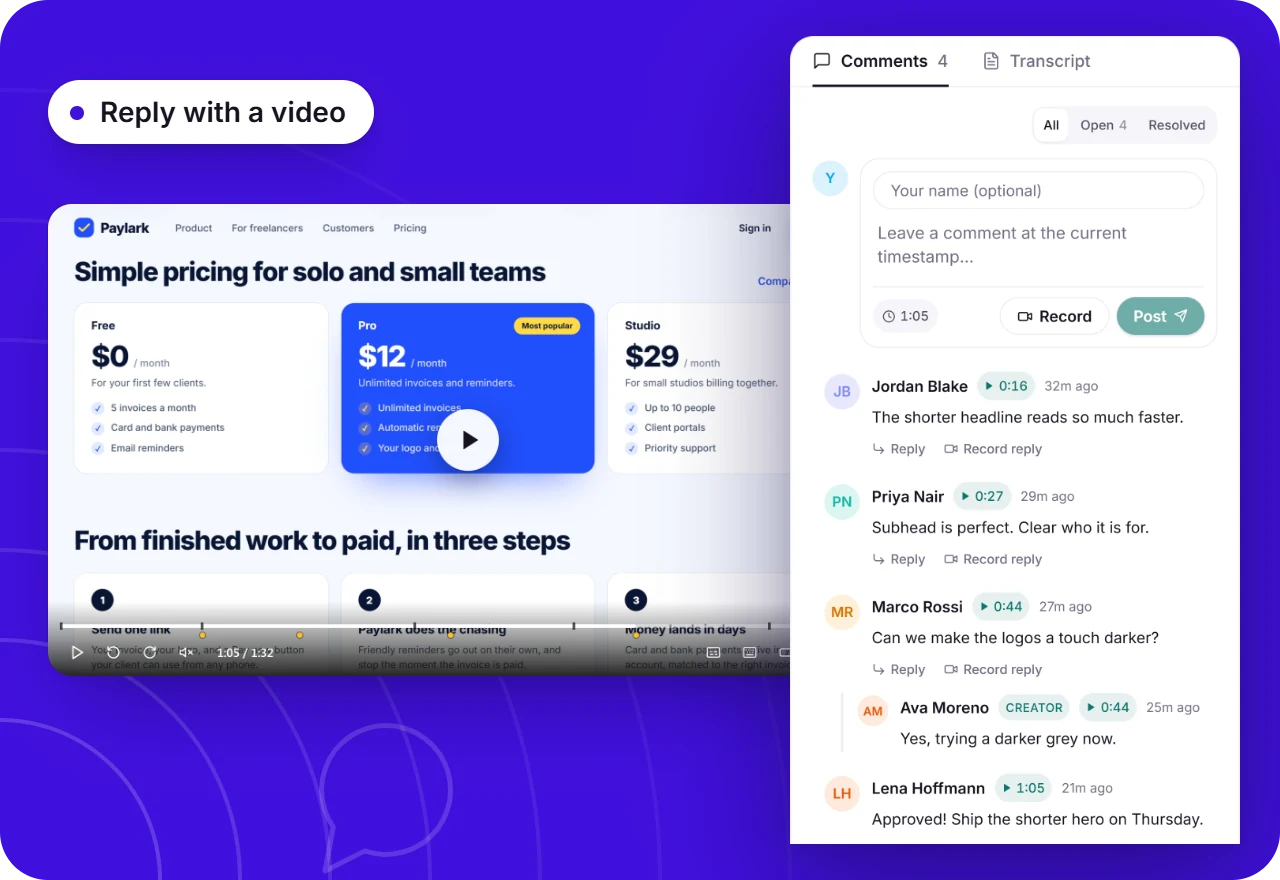
Feedback on the exact second
Viewers comment on a moment in the video or react with an emoji, and teammates with the extension can reply with a recording of their own. Threads resolve when the question is settled, like a code review.
- Comments pinned to the timeline
- Video replies from the camera or screen
- Resolve a thread when it is done
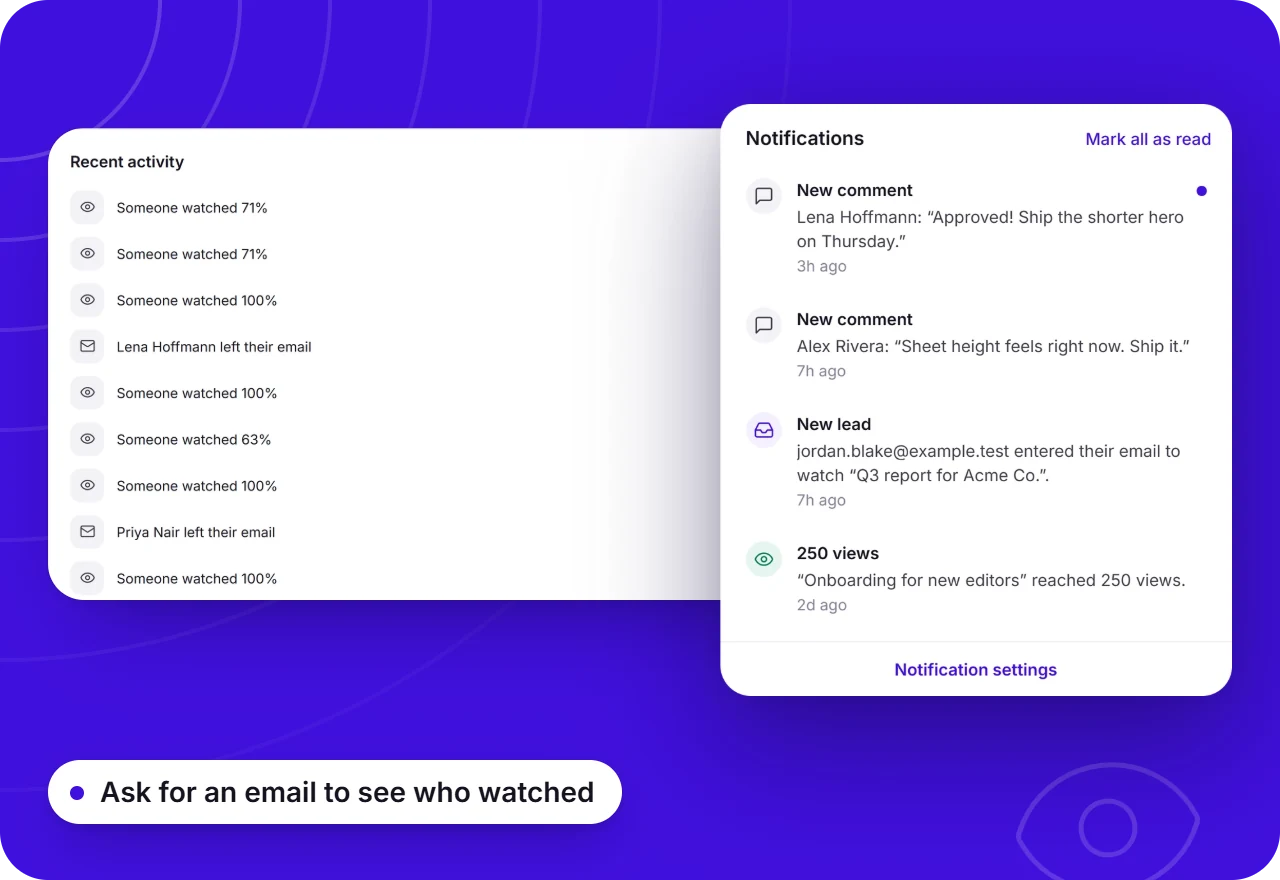
No more "did you see my message?"
Each video shows how many people watched, how far they got and where they stopped. When someone comments or reacts, you hear about it by email.
Async video: free vs Pro
Team ($12 a seat a month) adds a shared workspace for the whole team. Videos are never watermarked; free share pages carry a small badge, which Pro removes.
What async video is good for, and what it is not
Async video shines when one person needs to explain something to several people: a weekly update, a design or code review, a handoff before a vacation, a bug that is easier to show than to describe, or the answer to a question you keep getting asked.
It is not the right tool for everything. A tense conversation, a decision that needs real back and forth, or a brainstorm with five people is still better live. The point is not to never meet, it is to keep meetings for the conversations that need them.
What is asynchronous video? →How to replace one recurring meeting this week
Pick the status meeting with the least discussion in it. Ask everyone to record a two-minute video before it would have started: what they did, what is next, and anything they are stuck on. Keep each one short and show the work on screen.
People watch the updates when it suits them and leave questions as comments on the exact second. If something genuinely needs a conversation, book a short call for just the people involved. Most weeks, the meeting simply does not need to happen.
How remote teams use Opivv →Frequently asked
It is sending a short recorded video, usually your screen with your voice and face, instead of holding a meeting or writing a long message. People watch when it suits them and reply in their own time, often with comments or a video of their own.
Send your first async update today
Add Opivv to your browser, hit record, and share a link the moment you stop. Free forever for everyday clips.
Free forever plan, no card. Make your account now and record on your computer.