

Video prospecting means sending a prospect a short, personalised recorded video instead of, or alongside, a text email. The best sales follow-up videos run 60 to 90 seconds, open with the prospect’s own problem, show the exact part of your product that solves it, and end with one easy next step, such as a reply or a booked call.
- In Vidyard’s 2021 survey of sales professionals, over 70% said custom-recorded video gets more opens, clicks and responses than text-only email.
- Personalise the first ten seconds: their name, their company, their problem.
- Keep it to 60 to 90 seconds, one problem and one next step.
- Put a moving thumbnail in the email so it reads as a video, not just another link.
- Use views to time your follow-up: a prospect who watched twice is ready for a call.
The average sales follow-up is a wall of text that says “just circling back”. It is easy to ignore because it asks the prospect to do all the work: reread the thread, remember the context, picture the product.
A 90-second video does the opposite. It carries the context for them, shows the product instead of describing it, and puts a real face on your name. This guide covers what video prospecting is, when to use it in the sales cycle, a script you can copy, and how to follow up based on who watched.
What is video prospecting?
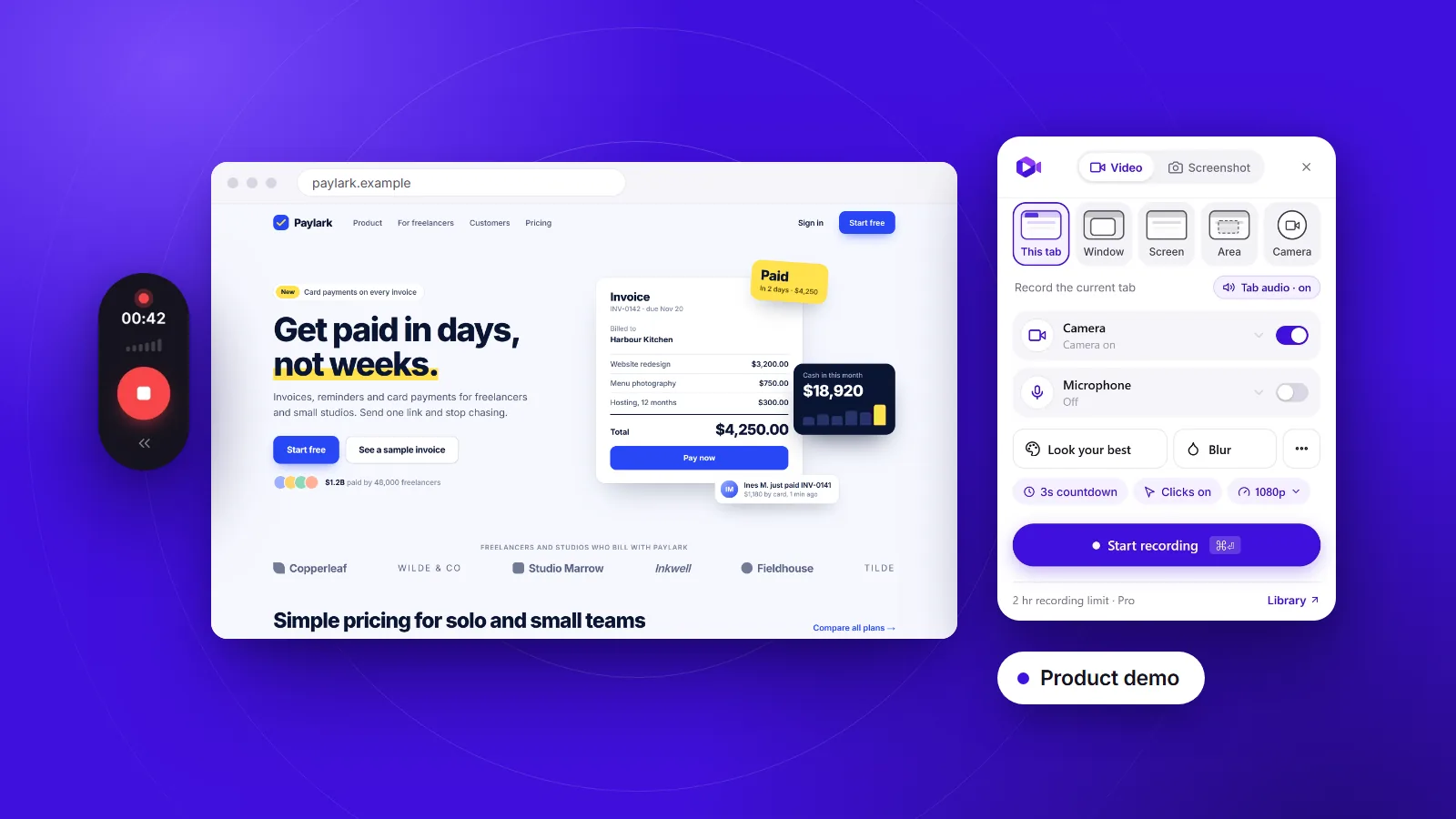
Video prospecting is using short, personalised recorded videos to start or advance a sales conversation. Typically a rep records their screen (the prospect’s website, a proposal or the product) with their face in a small camera bubble, and sends the link by email or LinkedIn. It works for cold outreach, but it shines in follow-ups, where you already know what the prospect cares about.
| Stage | Video idea | Length |
|---|---|---|
| Cold outreach | A personal intro with their website or profile on screen | 30 to 60 seconds |
| After a discovery call | A recap of their problem and how you would solve it | 60 to 90 seconds |
| After a demo | Answers to the questions they raised, shown in the product | 1 to 2 minutes |
| Proposal sent | A walkthrough of the proposal, line by line | 2 to 3 minutes |
| Deal gone quiet | “Is this still a priority?” with one new reason to talk | 30 seconds |
| Champion needs to sell internally | A version made for their boss, to forward | 60 to 90 seconds |
Does video prospecting work?
Of sales professionals in Vidyard’s 2021 State of Virtual Selling survey said custom-recorded video performs better than text-only email for opens, clicks and responses. Nearly half of reps who used it said it shortened their deal cycle.
Source: Vidyard, State of Virtual Selling (2021)Those are self-reported numbers from a video vendor’s survey, so treat them as a direction, not a promise. The reason it works is simple, though: a personal video is harder to mistake for a sequence, it shows effort, and it answers the prospect’s question in the format that takes them the least work.
The 90-second sales follow-up video script
[0:00] Hi [name], it’s [you] from [company]. I recorded this for you after our call on [day].
[0:08] You said [their problem, in their words], and that it’s costing you [time, money or risk].
[0:20] Here’s the part that fixes that: [show the exact screen in the product].
[0:50] For a team like yours at [company], that means [specific result].
[1:05] You also asked about [their question]. Short answer: [answer, shown on screen].
[1:20] If that’s worth a closer look, [one next step]. The button under this video books a time.
Reuse the exact phrase the prospect used for their problem. Hearing their own words back is the fastest signal that this video was made for them.
How to record a sales video that gets watched
- Put them on screenOpen their website, their use case or the proposal with their name on it. The first frame should feel personal.
- Turn your camera onA face builds trust that a voice alone does not. Look at the lens when you say their name.
- Lead with their problemNot your company, not your features. Their problem, in the first ten seconds.
- Show one or two things, not tenThe exact screens that answer their situation. Save the full tour for the call.
- End with one askBook a call, reply, or loop in a colleague. Add it as a button at the end of the video too.
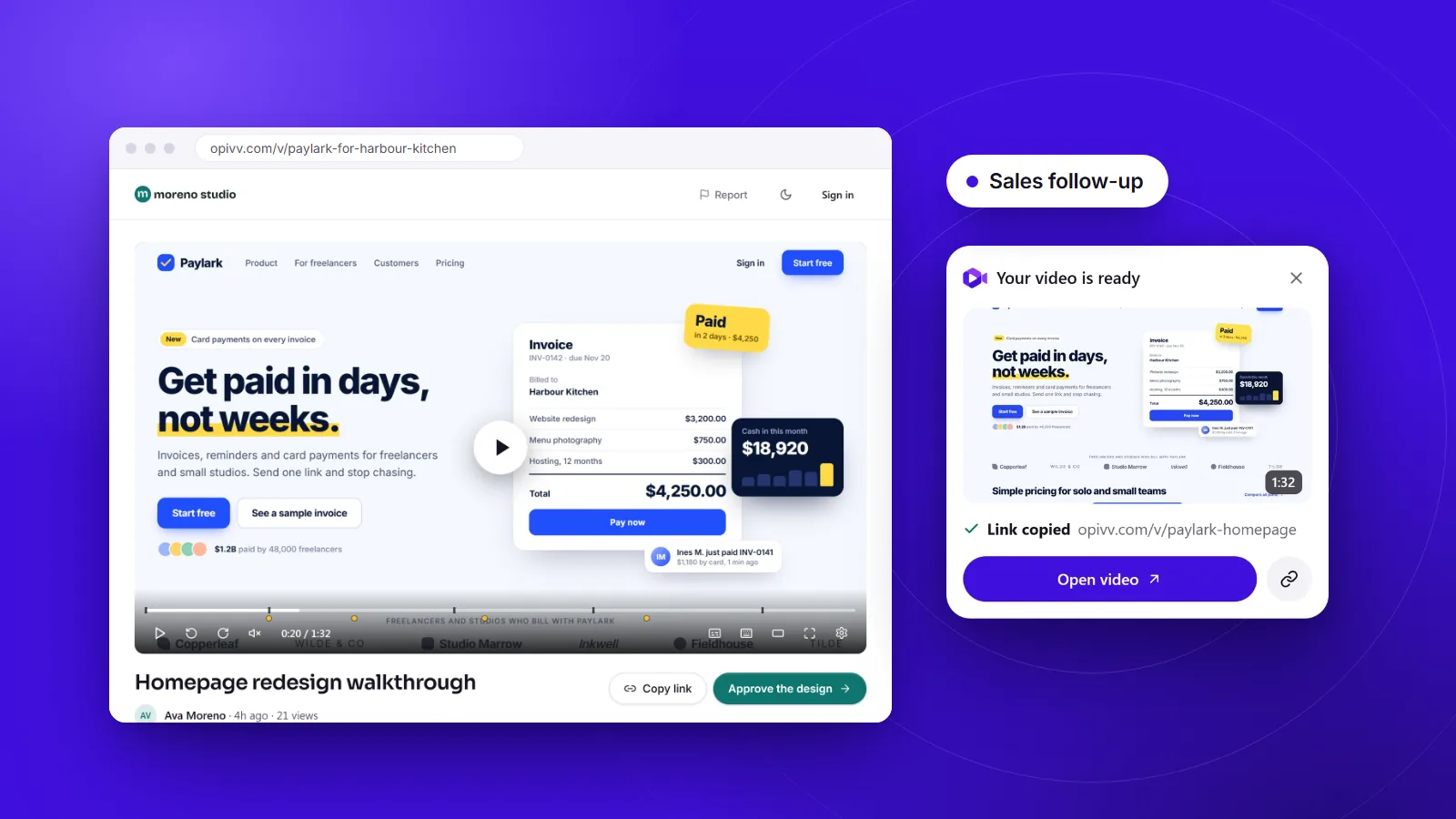
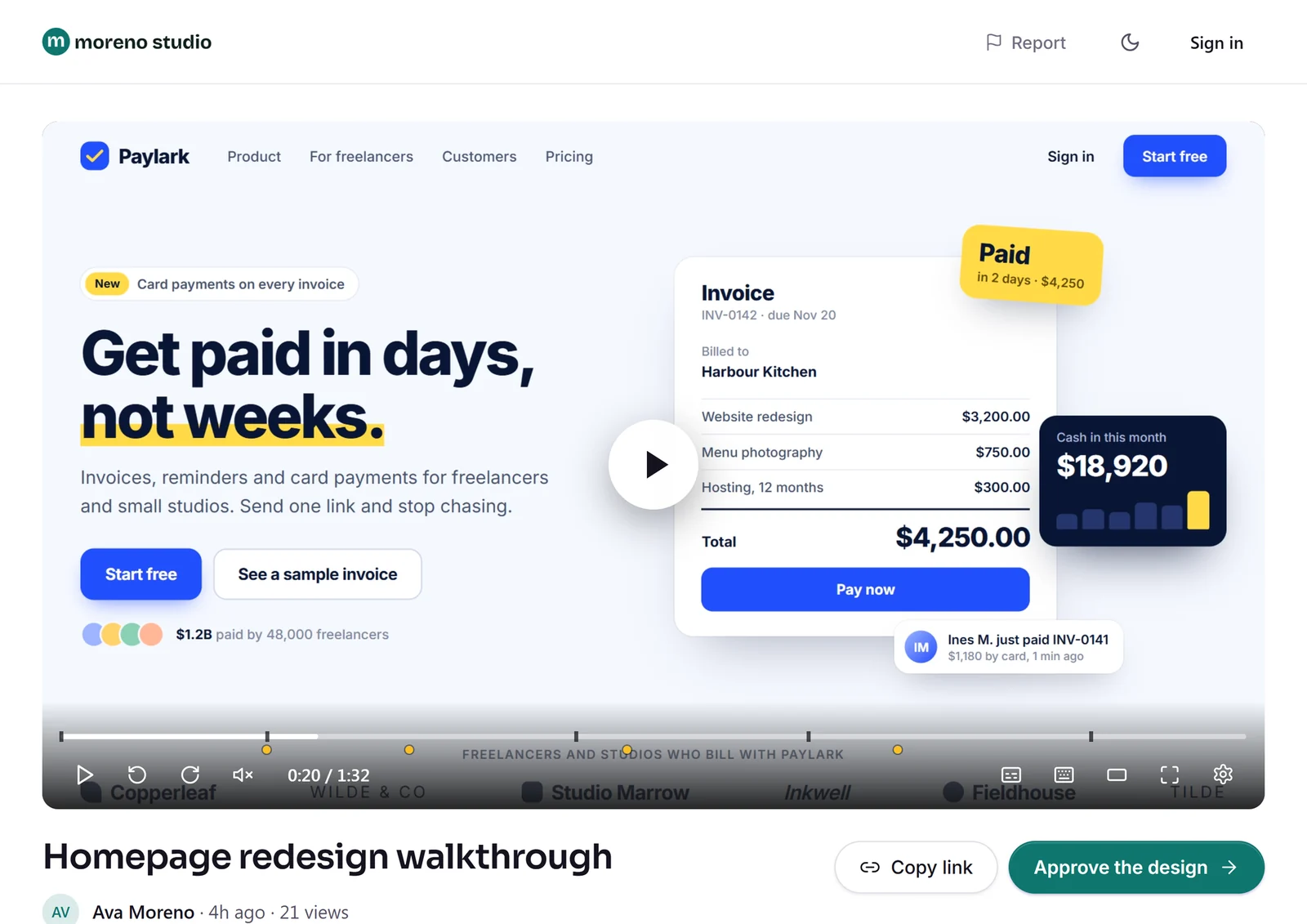
- Send it with a moving thumbnailPaste an animated preview that links to the video, plus two lines of text summarising it.
Subject lines for video prospecting emails
- “[Name], a 60-second video on [their problem]”
- “Recap of our call (90-second video)”
- “Your questions about [topic], answered on video”
- “[Company] + [your product]: what it would look like”
- “Quick idea for [their page or project]”
Keep the body short: one line on why you recorded it, the thumbnail, and one line repeating the next step. The video does the rest.
Video prospecting examples
- The website teardown. A cold outreach video scrolling the prospect’s own site, pointing at two specific things you would improve.
- The call recap. Ninety seconds after a discovery call, replaying their problem and the one screen that solves it.
- The proposal walkthrough. You talk through pricing and scope so the proposal is not read cold by people who missed the call.
- The forward-ready video. Made for your champion to send to their boss, with the business case in the first 20 seconds.
- The breakup video. Thirty seconds, friendly, asking whether to close the file. Often the one that gets a reply.
How should you follow up after sending a sales video?
Because the video is a link, you can see whether it was watched, how many times and how far. A video watched twice, or forwarded and watched by someone new, is your cue to follow up the same day. A video that was never opened tells you to try a different subject line or channel before you send anything else.
Views on a shared link are anonymous by design. If you send one video to a whole buying committee and need to know who watched, you can ask viewers for their email before the video plays. For a one-to-one follow-up, you rarely need to.
Mistakes that get sales videos ignored
| Mistake | Fix |
|---|---|
| A generic demo sent to everyone | One prospect, their name and their problem on screen |
| Opening with your company story | Open with their problem in the first ten seconds |
| Five minutes long | 60 to 90 seconds; save the depth for the call |
| Three different asks | One next step, repeated as a button |
| A bare link in the email | An animated thumbnail plus a two-line summary |
| Following up on a schedule | Follow up when they watch |
Frequently asked questions
Video prospecting is the use of short, personalised recorded videos in sales outreach and follow-ups. A rep records their screen and camera, usually showing the prospect’s website, use case or proposal, and sends the link by email or LinkedIn.
Sources
Written by the Opivv team. We build Opivv, a browser screen recorder people use for async updates, demos, bug reports and client reviews. Every statistic in this article links to its original source. First published . About us