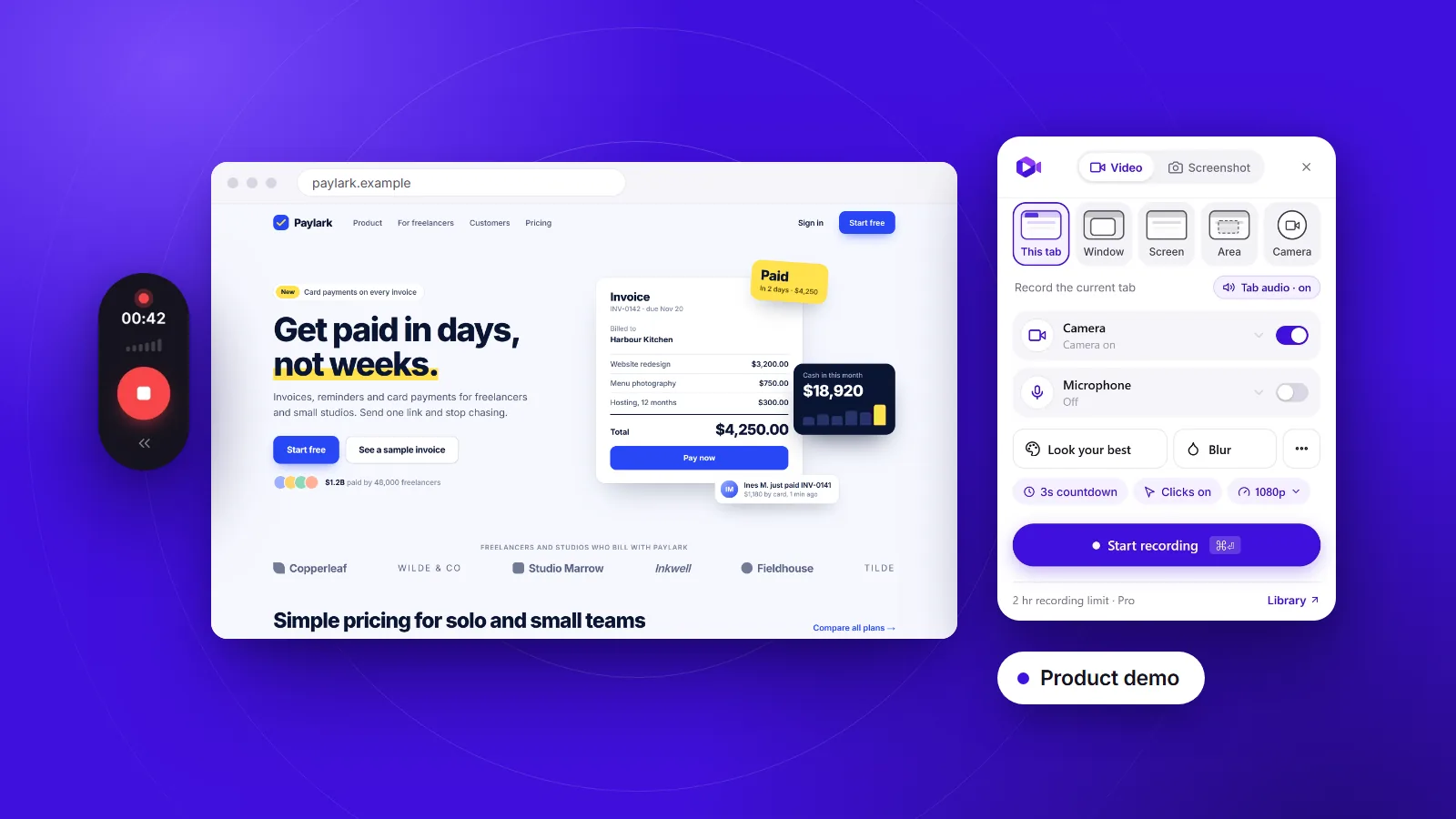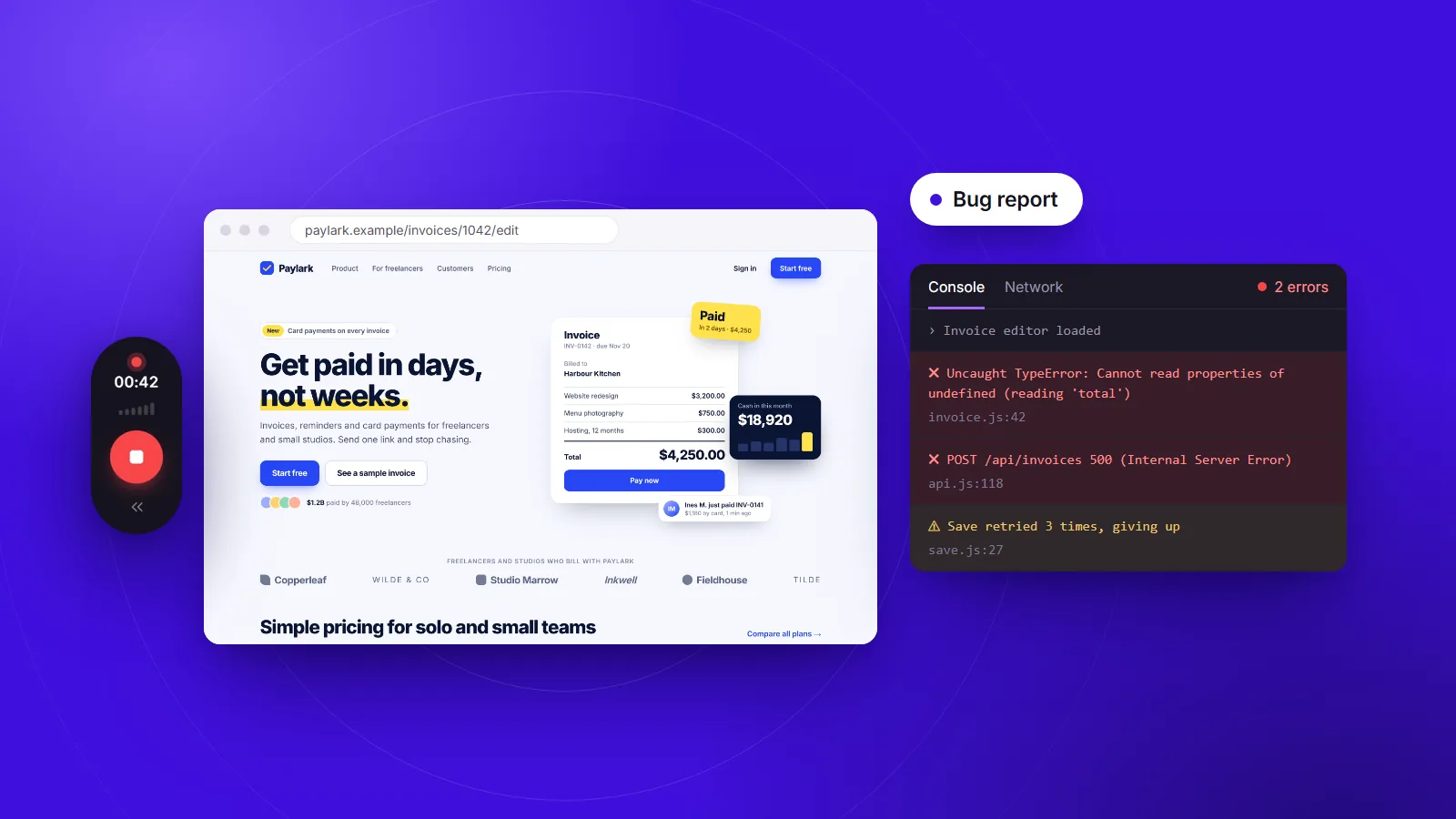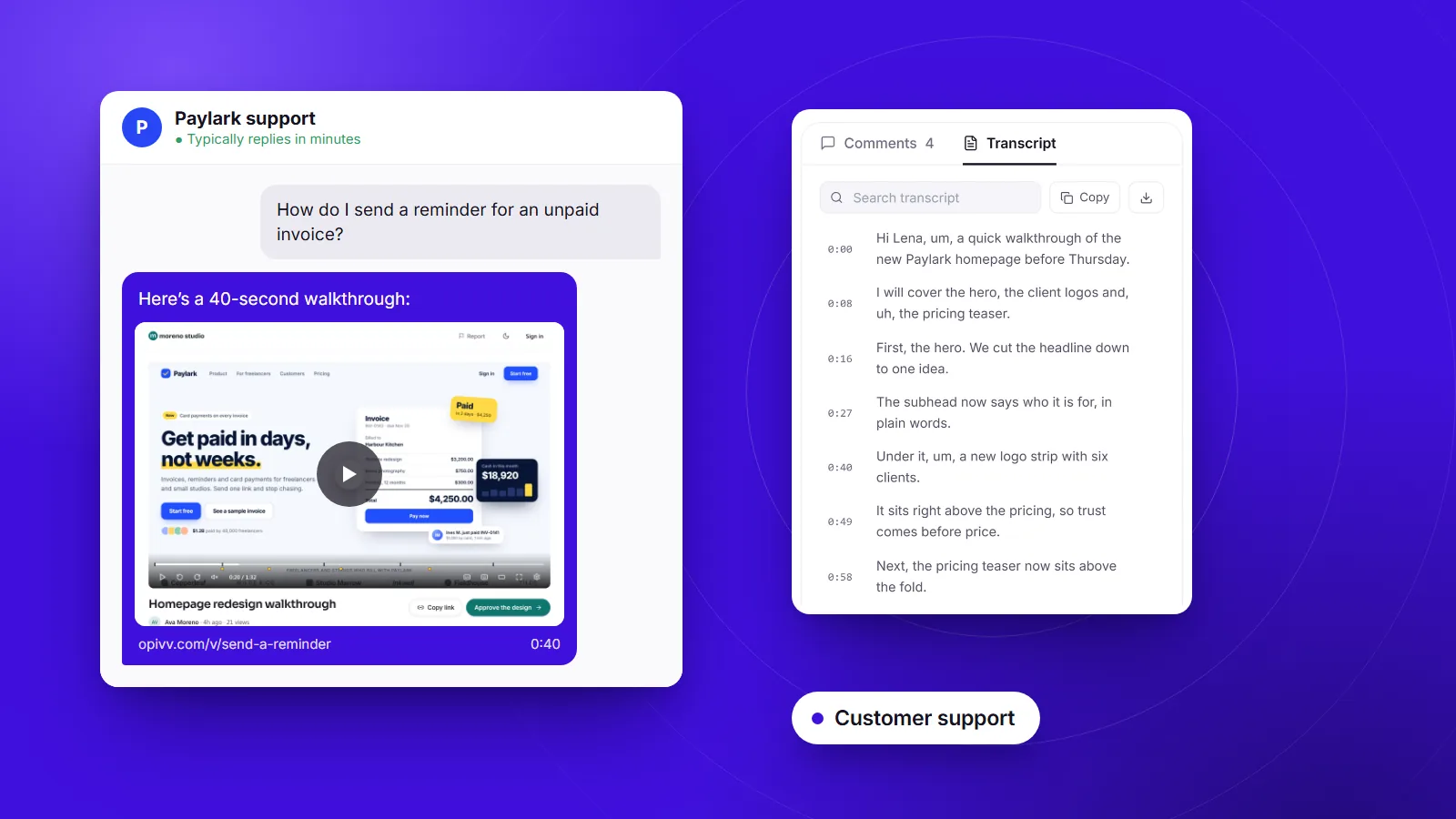


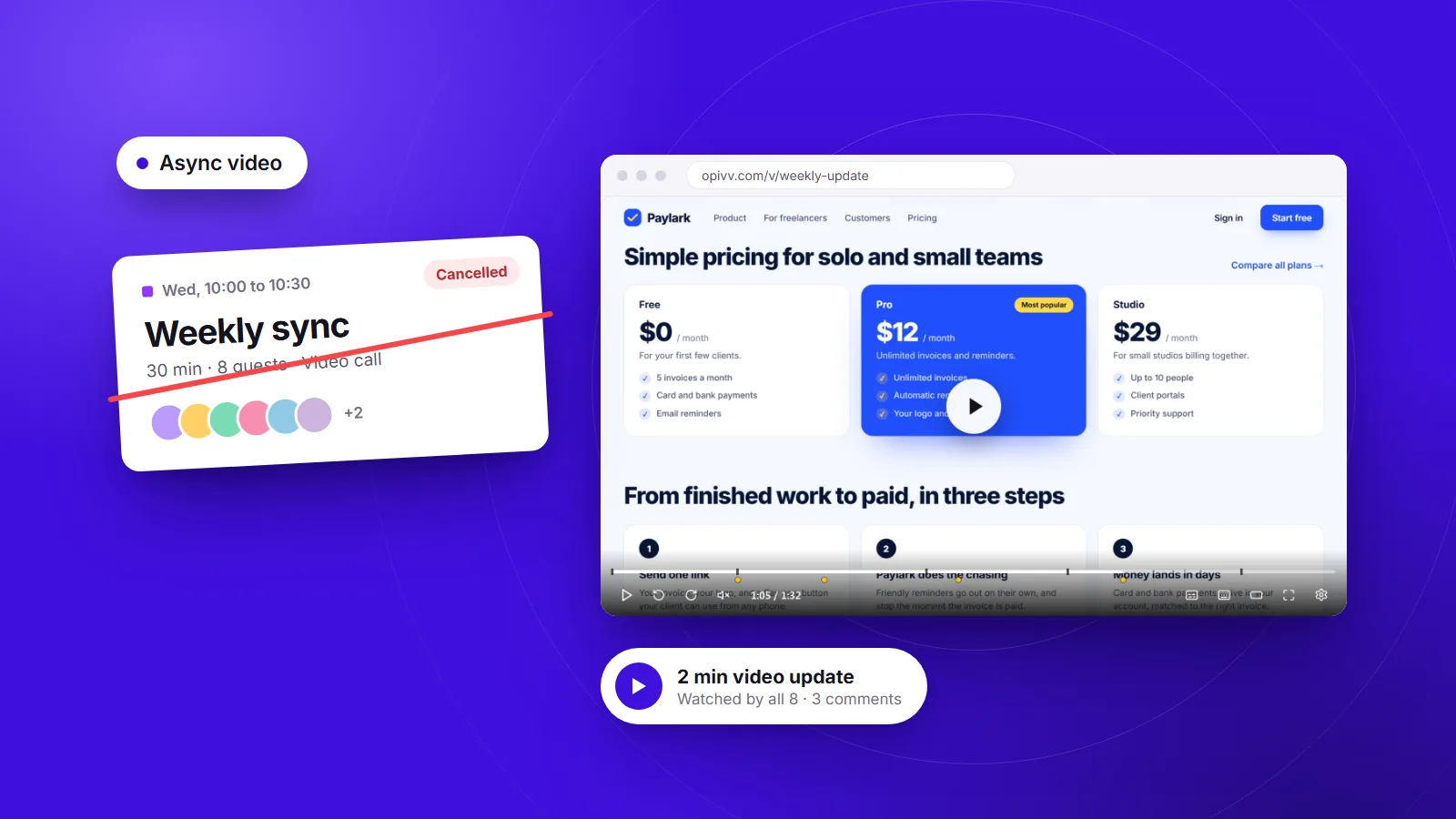
Asynchronous communication is any exchange where people do not need to be present at the same time: a recorded video, an email, a comment thread or a shared document. It works best for updates, walkthroughs and reviews. Swapping a status meeting for a two-minute screen recording gives everyone the same information without blocking anyone’s calendar.
- Async means each person responds on their own time. Sync means everyone is present at once, as in a meeting or a call.
- If a meeting’s agenda is really “I talk, you listen”, it can be a video.
- Microsoft’s 2025 data shows people using Microsoft 365 are interrupted about every 2 minutes, 275 times a day. Fewer live meetings protect focus time.
- Keep each async video to one topic, under three minutes, ending with one clear ask and a deadline.
- Keep live meetings for decisions with trade-offs, hard conversations and brainstorming.
The default response to “we should discuss this” is a calendar invite. But most of what fills our calendars is not a discussion. It is a status update, a walkthrough or a “here is what I changed”, and none of those need everyone in a room at the same moment.
That is the core idea of asynchronous communication. This guide explains what it is, shows real examples, gives you a test for which meetings could be a video, and walks you through recording an async update people actually watch.
What is asynchronous communication?
Asynchronous communication is communication with a delay built in: you send a message now, and the other person takes it in and replies when it suits them. Synchronous communication happens in real time, with everyone present together, such as a meeting, a phone call or a live chat.
| Synchronous | Asynchronous | |
|---|---|---|
| Timing | Everyone at the same time | Each person on their own time |
| Examples | Meetings, calls, live chat | Recorded videos, email, comment threads, docs |
| Best for | Decisions, debate, sensitive talks | Updates, walkthroughs, reviews, handovers |
| Cost | Everyone’s time at once, plus scheduling | The sender’s few minutes, watched when convenient |
| Record left behind | Usually none, unless someone takes notes | Built in: the video, thread or doc stays |
Asynchronous communication examples
You already use most of these. The shift is choosing them on purpose, instead of defaulting to a meeting.
- A recorded video update. Two minutes of your screen and face explaining progress, instead of a weekly status meeting.
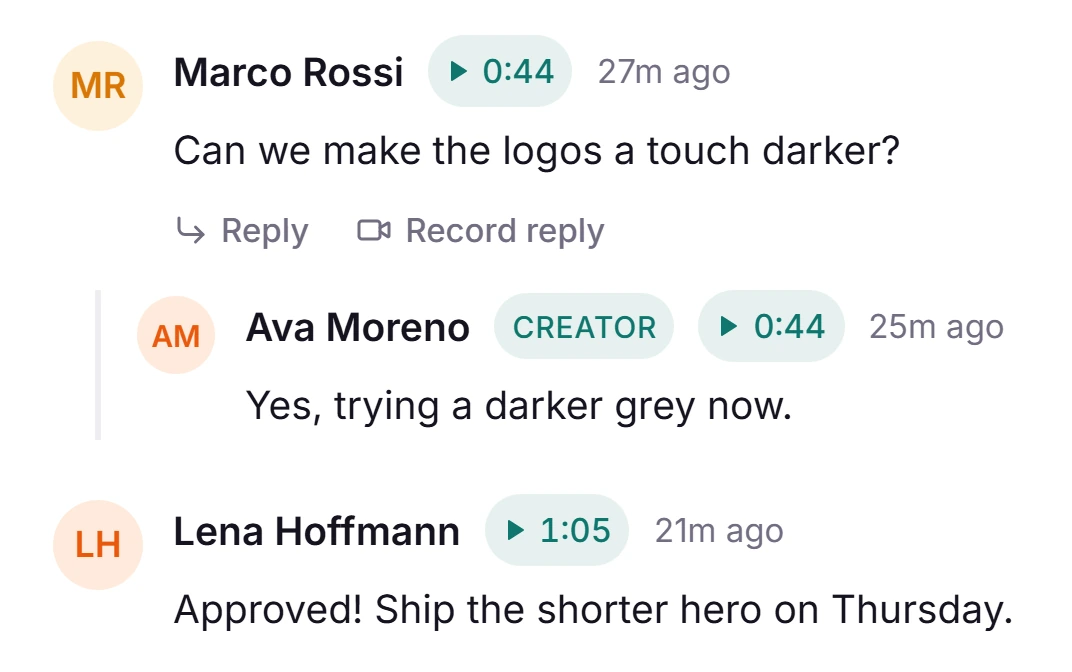
- A walkthrough video. A designer or engineer records themselves going through their work, and reviewers comment at the exact second.
- Comments in a project tool. Questions and decisions attached to the task they are about.
- A shared document with comments. A proposal people read and annotate before (or instead of) a meeting.
- Email. Still the default for anything formal or external.
- Threaded chat. Non-urgent questions in a Slack or Teams thread, answered when people come up for air.
- Code review. Pull request comments are async by design.
- A recorded meeting. For the people who could not attend, ideally with a transcript and chapters so they can skip to their part.
Why teams are cutting meetings
Interruptions a day, about one every two minutes, for the average person using Microsoft 365, counting meetings, emails and chat notifications. The same report counts 117 emails and 153 Teams messages a day.
Source: Microsoft Work Trend Index, “Breaking down the infinite workday” (2025)Every live meeting cuts a hole in someone’s focus time, and the cost multiplies by the number of people invited. That is why some companies have gone further than trimming. In January 2023, Shopify cancelled every recurring meeting with three or more people, which the company said cleared around 10,000 calendar events and more than 76,500 hours of meetings.
You do not need a company-wide purge to get the benefit. Replacing one weekly status meeting with short recorded updates gives each attendee back that half hour every week, and the update becomes something people can rewatch and search later.
Which meetings could be a video? A quick test
If you could write the agenda as “I’ll talk, you’ll listen”, it is a broadcast, not a discussion. Record it.
| Meeting | Go async? | Replace it with |
|---|---|---|
| Weekly status update | Yes | A 2-minute screen recording from each person |
| Design or code walkthrough | Yes | A recorded walkthrough with time-stamped comments |
| Client progress review | Yes | A video of the work, with the client commenting on it |
| Project kickoff | Partly | Recorded context first, then a shorter live call |
| Decision with real trade-offs | No | A live meeting, with a pre-recorded brief |
| Brainstorm | Usually no | A live session, then async follow-ups |
| Feedback on performance, conflict | No | A live, private conversation |
How to record an async video update people actually watch
- Pick one topicOne video, one subject. Three topics is three short videos, and short videos get watched to the end.
- Say what you need in the first 10 seconds“I need a yes or no on the new pricing page by Thursday.” Viewers who know why they are watching pay attention.
- Show the thing, not slidesShare the actual board, doc, design or dashboard, and point with your cursor while you talk.
- Stay under three minutesIf it runs longer, cut a topic into its own video or add chapters so people can jump to their part.
- End with one ask and a deadlineApprove, reply or try it, and by when. Then stop recording.
- Post the link where the work livesIn the ticket, the doc or the channel thread, so the discussion stays attached to the work.
Hi [team], quick update on [project]. I need [decision or input] from [who] by [day].
Here’s where we are: [show the board or doc on screen].
Done since last update: [one or two things].
Blocked or risky: [one thing, and what would unblock it].
Next: [what happens next, and when].
So the ask again: [decision or input] by [day]. Comment on the video at the exact spot if something’s unclear.
Async video best practices for remote teams
- Agree on reply times. “Within one working day” keeps async from turning into “never”.
- Turn on captions and transcripts. People watch at 1.5x, on mute, or search the transcript for their name.
- Reply in the same format when it helps. A video reply to a video often settles in two minutes what a thread takes two days to.
- Keep a library. Updates, walkthroughs and decisions become a searchable record for anyone who joins later.
- Mind time zones. Async is what lets a teammate in another time zone get full context on their morning, without a 7 a.m. call.
- Do not go 100% async. Teams still need live time for relationships, hard calls and creative work.
When is a meeting still the better choice?
Meetings earn their keep when you need fast back-and-forth: a decision with competing trade-offs, a brainstorm, a negotiation, a sensitive conversation, or aligning people who genuinely disagree. In those cases, use async to prepare. Send a two-minute recorded brief beforehand, and the live meeting can be half as long because everyone arrives with the same context.
Frequently asked questions
It is communication where you do not have to reply right away. You send a message, video or comment now, and the other person reads or watches it and responds when it suits them. Email and recorded videos are asynchronous; meetings and phone calls are synchronous.
Sources
Written by the Opivv team. We build Opivv, a browser screen recorder people use for async updates, demos, bug reports and client reviews. Every statistic in this article links to its original source. First published . About us