

Video customer support means answering questions with short screen recordings instead of long written steps. A 30 to 90 second video shows the customer exactly where to click, cuts follow-up replies, and can be reused for everyone who asks the same thing. Use it for how-to questions, setup help and anything visual.
- Gartner found only 14% of customer service issues are fully resolved through self-service, and in 43% of cases customers could not find content relevant to their problem.
- Record the questions you answer every week once, properly, and reuse the links in macros and help articles.
- Keep support videos to 30 to 90 seconds and one task each.
- A quick personal video for a confused or high-value customer feels like white-glove service.
- Let customers record their problem too: a video request link needs no install and no account.
Great support has a hidden tax: you answer the same handful of questions hundreds of times, retyping the same steps in slightly different words. It is slow for you and still confusing for the customer, because written instructions for anything visual are hard to follow. “Click the gear icon, then the third tab” only works if they can find the gear.
Screen recordings fix both halves. You explain it well once, the customer follows along on their own screen, and the link keeps working for the next person who asks. This guide covers when to use video, how to build a support video library, and how to measure whether it works.
What is video customer support?
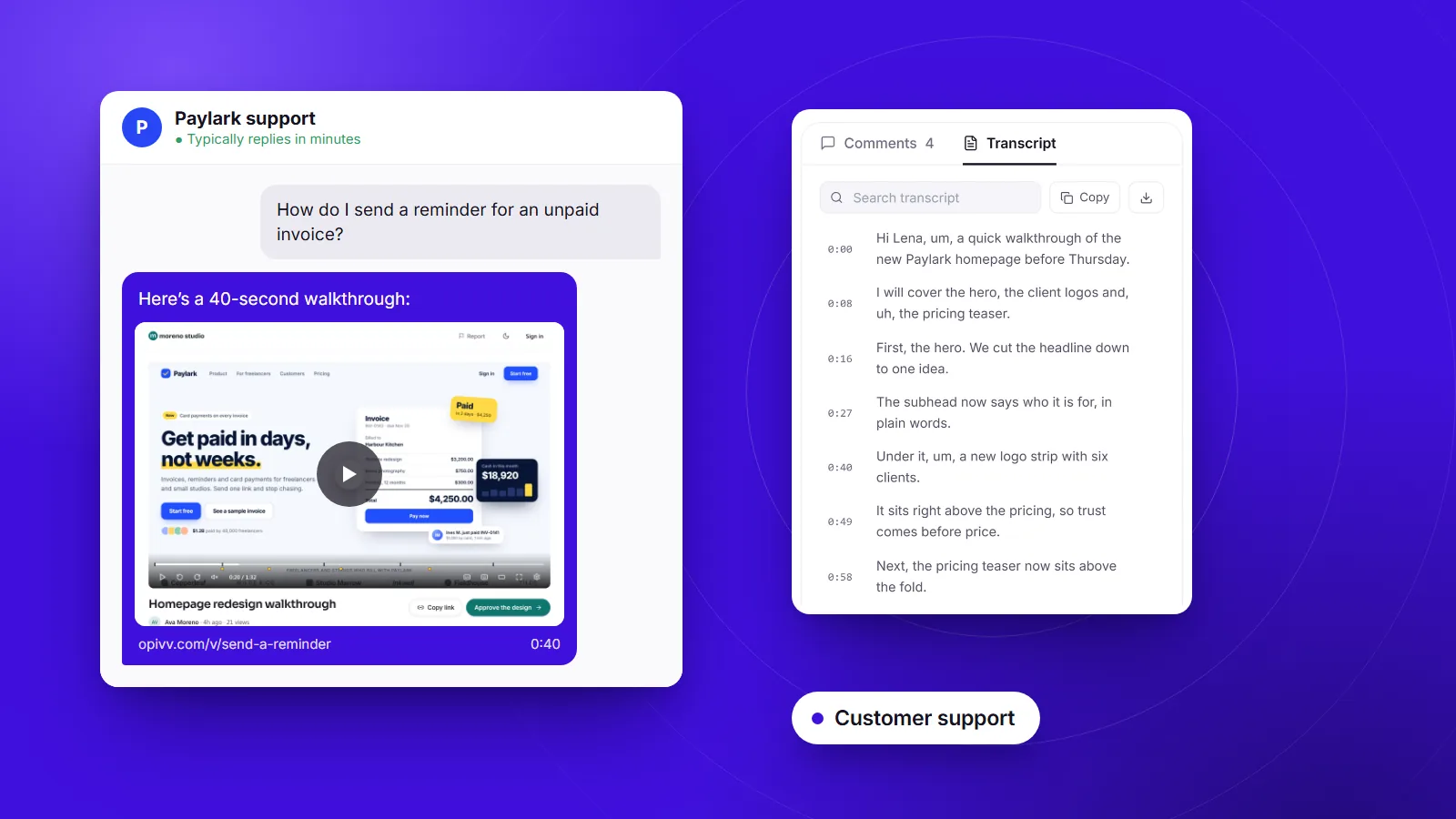
Video customer support is the use of recorded or live video to help customers. In practice, most of it is asynchronous: an agent records their screen (often with their face in a small camera bubble), and sends the link in a ticket, a chat or an email. The customer watches when it suits them, as many times as they need.
| Situation | Best format | Why |
|---|---|---|
| “Where is the setting for…?” | Video | Showing the click path beats describing it |
| Multi-step setup or integration | Video plus written steps | Watch once, then follow the checklist |
| Billing, refunds, policy questions | Text | A short, precise answer they can keep |
| Outage or status update | Text | Fast, scannable, easy to update |
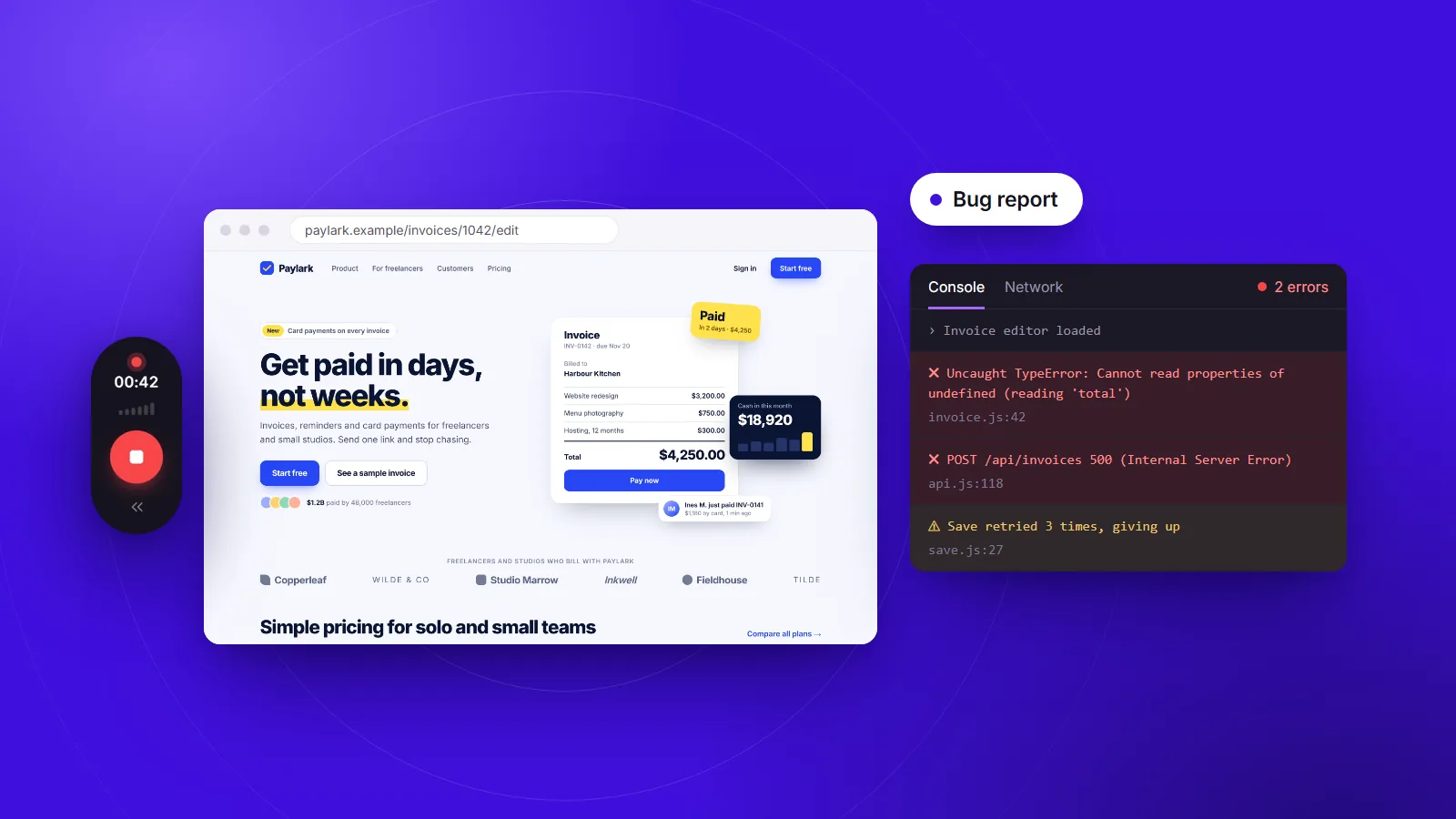
| A customer reporting a bug | Ask them for a video | You see exactly what they did |
| An escalation or apology | Personal video | A face and a voice rebuild trust |
Why support teams are adding video
Share of customer service issues that are fully resolved in self-service, from a Gartner survey of 5,728 customers. In 43% of cases, customers could not find content relevant to their issue.
Source: Gartner press release, August 2024Customers want to help themselves, but self-service often fails at the last step: the article exists, yet the customer cannot match the words to what is on their screen. A short video closes that gap because it shows the exact screen. It also cuts reply cycles. One clear recording often answers what five paragraphs and three follow-ups could not.
How to build a library of support videos
- Find your top 10 questionsPull the most common ticket tags or macros from your helpdesk. Those 10 usually cover a large share of volume.
- Record one short video per questionOne task, 30 to 90 seconds, starting on the screen the customer will see first.
- Title each video as the question“How do I export invoices to CSV?” is easy to find in search, in your macros and in your help center.
- Put the links where answers liveAdd them to helpdesk macros, help center articles, onboarding emails and in-app tooltips.
- Re-record when the product changesBecause each video takes a minute, updating one is a quick job, not a documentation project.
Hi [name], here’s how to [task]. It takes about [time].
Start from [the page they will see first]: [show it on screen].
Click [first thing]. You’ll see [what appears].
Then [second thing], and [third thing].
That’s it: [the result, shown on screen].
If anything looks different on your side, just reply to this message and I’ll take a look.

When should you send a personal video instead of a canned one?
Library videos handle the common questions. Personal videos handle the moments that decide whether a customer stays.
- A confused customer after two written replies. Switch format instead of writing a third.
- A high-value account. A minute of video using their workspace, their data and their name feels like a dedicated account manager.
- An escalation or a mistake on your side. Saying sorry on camera lands better than any template.
- A complex configuration. Walk through their exact setup and point at the one field that is wrong.
How to get customers to record their problem
Half of support time goes into understanding the problem. The fastest fix is to let the customer show you. With Opivv’s video request link, a customer opens the link, records their screen or camera, and the recording lands in your library. They do not need to install anything or create an account.
Add the link to your “we need more information” macro. You get the exact steps, the error message and their environment in one go, which is exactly what your engineers need when it turns out to be a bug. See how to write a bug report developers will fix.
Best practices for customer support videos
- Start on the screen they will see. Not your admin view, not a staging environment.
- Use the customer’s words. If they called it “the export button”, so do you.
- Move the mouse slowly. Pause on each click so the eye can follow, and zoom the browser if the text is small.
- Turn on captions. Many people watch at work with the sound off.
- Keep private data out. Use a demo account, and blur anything sensitive before sharing.
- Make it evergreen. Avoid dates and “new this week” so the video stays useful for months.
- Always add the steps in writing too. The video explains; the text is something to copy and search.
Which metrics show your support videos are working?
| Metric | What it tells you |
|---|---|
| Replies per ticket | Whether the first answer was clear enough to close the ticket |
| Time to resolution | How much faster video tickets close than text-only ones |
| How far viewers watch | Where people drop off, often the confusing step in the product |
| Repeat tickets on the same question | Whether the library video is easy enough to find |
| Customer satisfaction (CSAT) | Whether customers prefer the video answers |
Because every support video is a link, you can see how many people watched and how far. When most viewers stop at the same moment, fix that step in the product, not just the reply.
Frequently asked questions
It is helping customers with video instead of, or alongside, text. Most often an agent records a short screen recording that shows how to do something and sends the link in the ticket or chat. The customer watches it when convenient and can replay the tricky part.
Sources
Written by the Opivv team. We build Opivv, a browser screen recorder people use for async updates, demos, bug reports and client reviews. Every statistic in this article links to its original source. First published . About us