

Good design feedback is specific, tied to the goal of the design, and framed as a problem rather than a solution. Point at the exact element, explain what is not working for the user and why, and suggest a direction only if it helps. Recording your screen while you talk removes the “which button do you mean?” round entirely.
- Start from the goal of the design and its users, not from your personal taste.
- Describe the problem, not the fix: “people may miss the main action” beats “make it bigger”.
- Point at the exact element. A cursor on screen ends the guessing.
- Give all your feedback in one pass, ordered from most to least important.
- Label each point as must fix, worth considering, or just a thought.
Design feedback has a translation problem. You write “the spacing feels off near the header” and the designer reads it three times trying to picture which header, which spacing and how off. Half of every feedback round is spent establishing what you are both looking at.
This guide gives you a simple framework for constructive design feedback, real examples of weak and strong comments, the questions to ask before you start, and a faster way to deliver it: talking through the design on a short screen recording.
What is design feedback?
Design feedback is a reviewer’s response to a design (a mockup, a prototype, a live page or a brand asset) measured against what that design is meant to achieve. Useful feedback helps the designer see the work through the eyes of its users and stakeholders. Unhelpful feedback is a list of preferences.
A simple framework for constructive design feedback
Run every comment through the same four beats. It takes a few seconds and turns opinions into something a designer can act on.
- GoalAnchor to what the design must do: “This page needs new visitors to start a trial.”
- ObservationSay what you see, precisely: “My eye lands on the illustration before the Start button.”
- ImpactExplain why it matters for the user or the business: “So the main action may get missed.”
- Direction (optional)Offer an idea, not an order: “Could the button carry more contrast, or the illustration less?”
You are the expert on what feels wrong. The designer is the expert on how to fix it. Feedback framed as a problem leaves room for a better solution than the one you had in mind.
Design feedback examples: weak vs strong
“Make the button bigger.”
“This is the primary action, but the illustration pulls focus first. How could the button carry more weight?”
“I don’t like the colors.”
“The red on the success message reads like an error to me. Could it use the green we use for confirmations?”
“Can you make it pop more?”
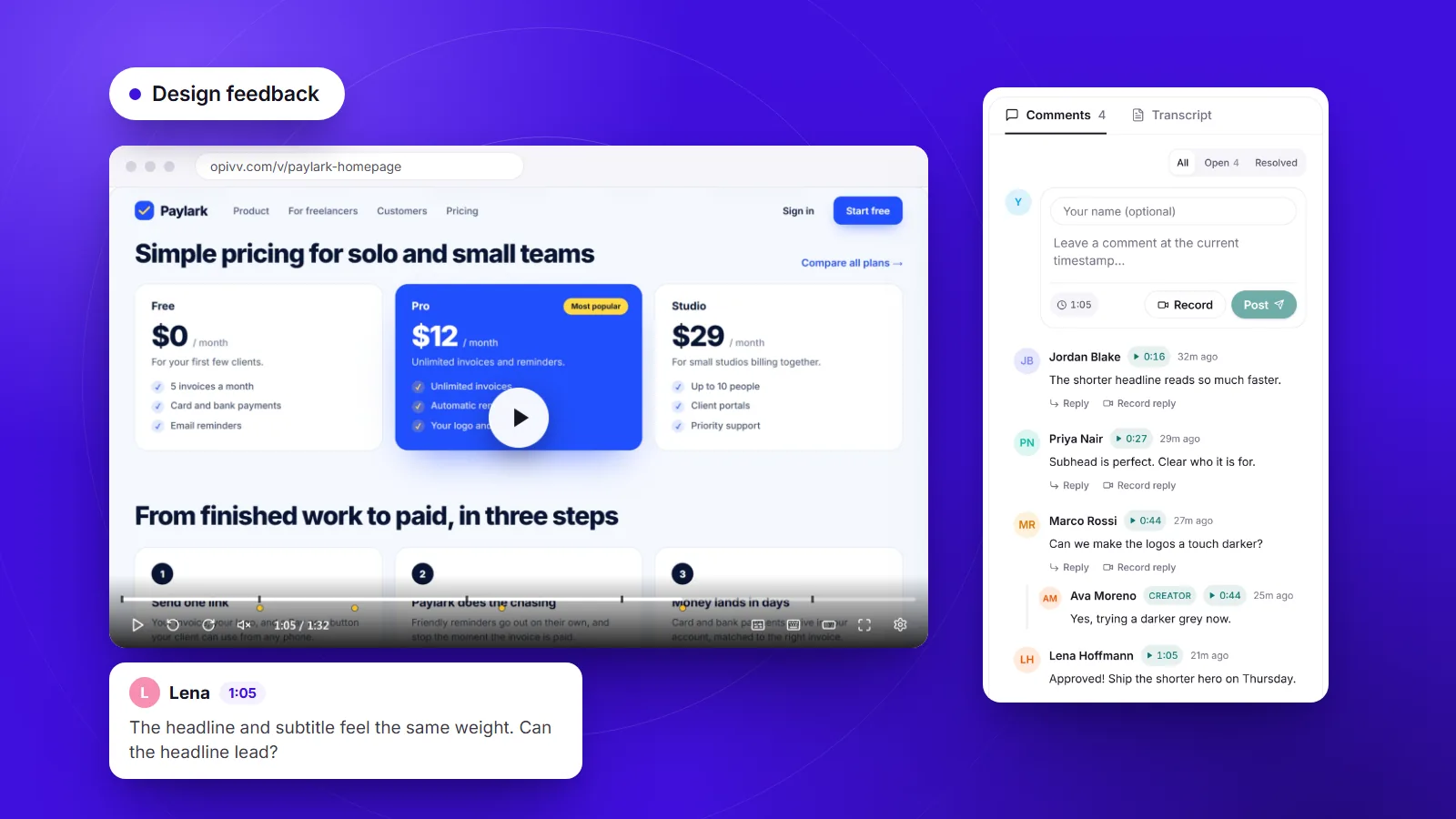
“The headline and subtitle are the same weight, so nothing leads. Could the headline carry more contrast?”
“The form is confusing.”
“I wasn’t sure whether the company field is required, and I paused there. A label or an “optional” tag would help.”
Questions to ask before you give design feedback
- What is this design for? The goal decides what counts as a problem.
- Who is it for? A first-time visitor and an admin power user need different things.
- What stage is it at? Wireframe feedback is about structure; final-design feedback can be about pixels.
- What kind of feedback do you want? Sometimes the designer only wants eyes on the flow, not the copy.
- What are the constraints? Brand rules, deadlines and technical limits rule some ideas out before you voice them.
How should you label feedback by priority?
| Label | Meaning | Example |
|---|---|---|
| Must fix | Blocks the goal, breaks accessibility or the brand rules | Text fails contrast; the main action is below the fold on mobile |
| Worth considering | Likely to improve results, but a judgement call | Shorter headline; one less form field |
| Just a thought | Personal preference, take it or leave it | A different illustration style |
Why video is the clearest way to give design feedback
A screen recording removes the translation step. You open the design, start recording, and move your cursor to the thing you are talking about as you talk. “This button” plus a cursor hovering the button beats any paragraph trying to name it.
- Pointing beats describing. No more “the second card in the third row”.
- Tone survives. Critique spoken with a friendly voice lands kinder than the same words in a comment box.
- Reasoning comes along. The designer hears why, not just what, so they can solve the real problem.
- It is faster to give. Walking a page for three minutes covers what would take twenty minutes to write.
- It is replayable. Anyone joining later can watch the rationale instead of asking for it again.
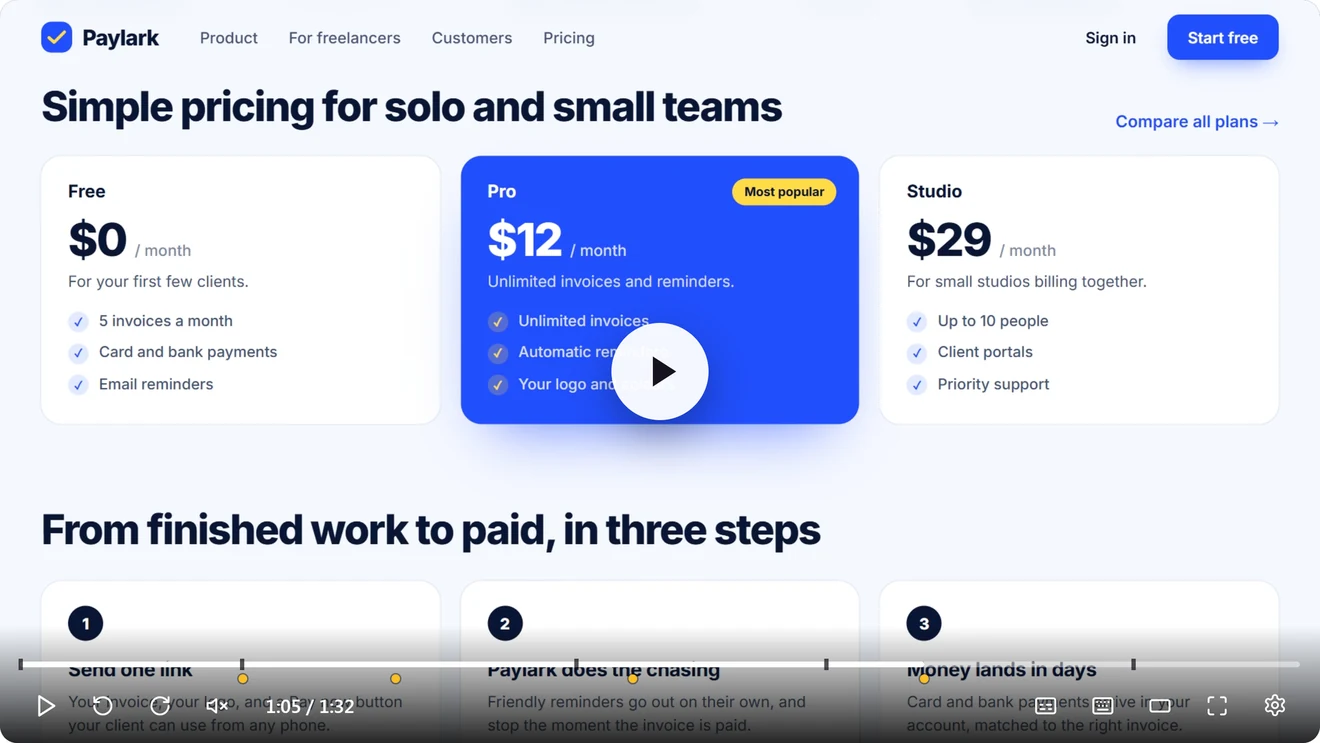
How to record design feedback, step by step
- Open the design at real sizeView it at 100% (or on the real device) so you react to what users will see.
- Say the goal out loud first“I’m reviewing this as a first-time visitor who should start a trial.”
- Walk it top to bottom, onceFollow the user’s path, and point at each element with your cursor as you comment on it.
- Label as you go“Must fix”, “worth considering” or “just a thought”, so nothing minor gets mistaken for a blocker.
- Close with your top threeEnd by repeating the three changes that matter most. That is the designer’s to-do list.
- Share the link where the work livesIn the design file’s comments, the ticket or the project thread, so it stays next to the design.
How to receive design feedback (for designers)
- Share the goal with the work. Feedback without a goal drifts into taste.
- Ask for the kind of feedback you need. “Flow only, please” saves everyone time.
- Clarify before you defend. “What made you pause there?” uncovers the real problem.
- Group and rank what you get. Merge duplicates, then sort by the labels above.
- Close the loop on video. A two-minute recording of what changed, and why, ends the round without a meeting.
Frequently asked questions
Design feedback is a reviewer’s response to a design measured against its goals: whether it helps its users do what they came to do and fits the brand and constraints. Good feedback names specific problems and their impact rather than listing personal preferences.
Written by the Opivv team. We build Opivv, a browser screen recorder people use for async updates, demos, bug reports and client reviews. Every statistic in this article links to its original source. First published . About us